

So, What Does 3D Product Rendering Actually Cost?
If you’ve been searching for a straight answer on 3D product rendering cost, you already know how frustrating it is to find vague ranges and non-committal estimates. The honest truth is that pricing genuinely varies — and for good reason. A simple shampoo bottle render is not the same job as a photorealistic luxury watch with exposed mechanical components. Understanding what actually drives the price will help you budget smarter and avoid surprises down the line.
In 2025 and heading into 2026, the market for product rendering has matured significantly. More brands are using CGI as their primary visual asset strategy — not just as a backup when photography falls short. That shift has brought more providers into the space, which means more options at every price point. But more options also means more variation in quality, and that’s where getting educated really pays off.
This guide breaks down what you’re actually paying for, what separates cheap renders from great ones, and how to make sure your investment works hard for your business.
The Key Factors That Drive 3D Product Rendering Cost
Before you can get a meaningful quote, you need to understand what goes into the price. Rendering studios aren’t pulling numbers from thin air — every line item connects to real hours and real technical work.
Model Complexity
This is the biggest cost driver, full stop. Building a 3D model from scratch takes time, and the more intricate the product, the longer it takes. A matte-finish candle in a cylindrical jar might take a few hours to model. A Bluetooth speaker with a textured grille, multi-part casing, rubber buttons, and metallic accents can take considerably longer. Products with mechanical parts, transparent housings, or fine surface detailing — like stitching on leather goods or embossed patterns — are always at the higher end of the complexity scale.
If you already have CAD files, SolidWorks exports, or existing 3D assets from your manufacturing process, you can often reduce this cost. Bring those files to your first conversation with a studio.
Materials and Surface Treatments
Getting materials to look right is where a lot of the artistry happens. Matte plastics are relatively straightforward. But brushed stainless steel, translucent glass, iridescent packaging, velvet fabric, or wet surfaces — these all require skilled shading work. Each material needs to interact with light correctly, and when you have multiple material types on one product, the complexity multiplies.
This is especially relevant for beauty and skincare brands, supplement companies, and consumer electronics, where surface finish is a core part of the product’s visual identity.
Scene Setup and Environment
A simple white background render is priced differently from a full lifestyle scene. Lifestyle 3D product renders — where your product sits in a contextual environment like a bathroom shelf, a kitchen counter, or an outdoor setting — involve building and lighting an entire scene. That’s additional modeling, asset sourcing, and time. They’re more expensive, but they’re also far more powerful for marketing.
Number of Angles and Deliverables
A single hero image costs less than a full 360-degree breakdown. When you need front, back, side, top-down, and close-up detail shots, you’re multiplying the delivery scope. Some studios price per image; others offer package rates that bundle multiple angles. Knowing how many shots you need before you start will help you get the most accurate quote and often unlock better pricing.
Resolution and Output Requirements
What the image is being used for affects pricing too. A web-optimised product image has different resolution requirements than a trade show banner or a full-page print ad. Higher resolution outputs take longer to render. If you’re planning to use images across multiple formats, it’s worth specifying that upfront — a good studio can pick the best resolution for 3D rendering that covers your use cases without unnecessary rework.
What Are the Typical Price Ranges?
Rather than give you a single number and pretend it applies to every situation, here’s a practical breakdown by project type:
- Simple hero renders — Basic product, clean background, one to three angles. This is the entry-level tier, appropriate for straightforward product shapes with minimal material complexity.
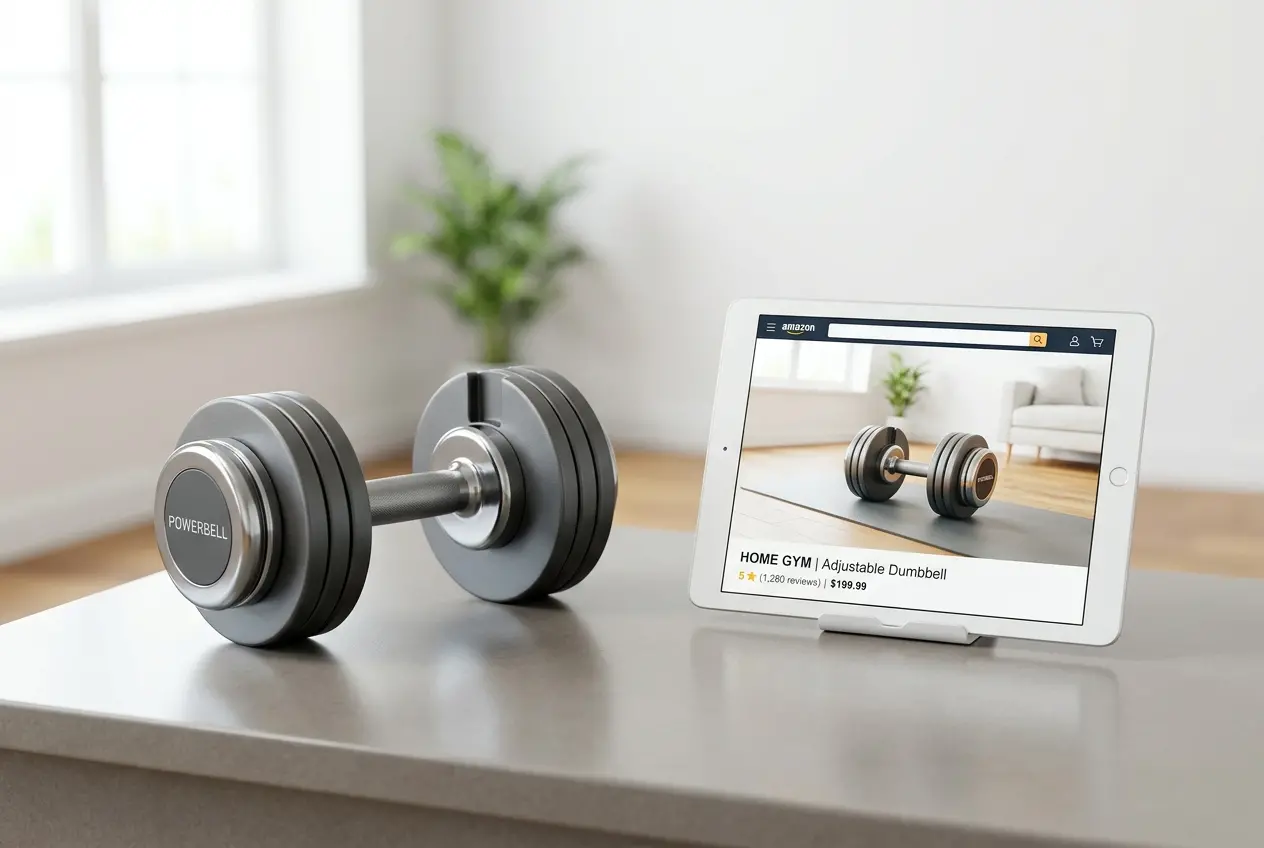
- Mid-complexity renders — Multiple materials, several angles, some scene dressing or context. This is the most common range for e-commerce brands ordering renders for Amazon listings or DTC product pages.
- High-complexity renders — Intricate products, full lifestyle scenes, close-up detail shots, or custom environments. Think premium packaging, medical devices, consumer electronics, or anything where the visual presentation is a significant part of the brand experience.
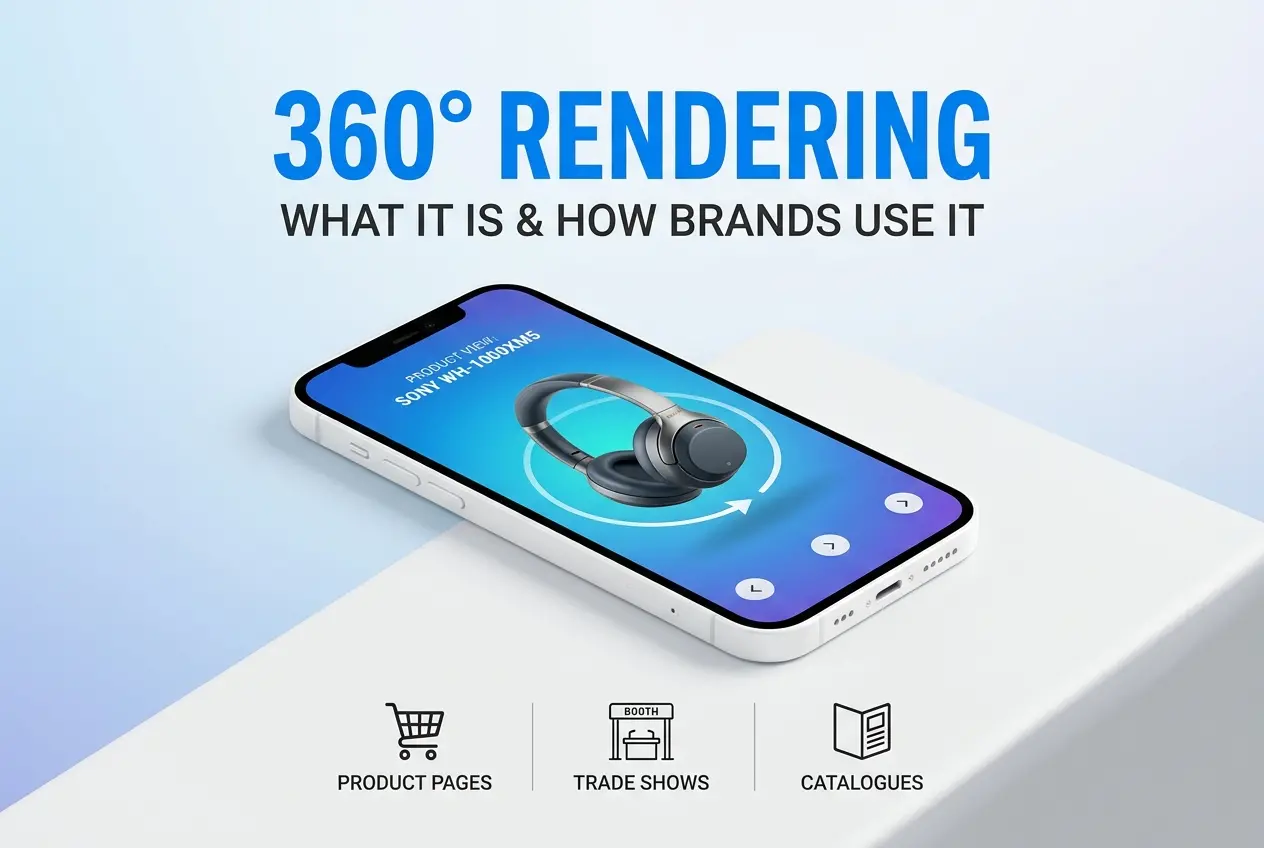
- Animation and 360 spins — Motion content sits in a separate category entirely. A 360 render spin animation or a product flythrough involves substantially more rendering time and technical work than static images.
For a deeper breakdown of current market pricing, this guide on 3D product rendering pricing — what does it really cost in 2025 covers specific tiers in more detail.
Studio vs Freelancer: What You’re Actually Getting
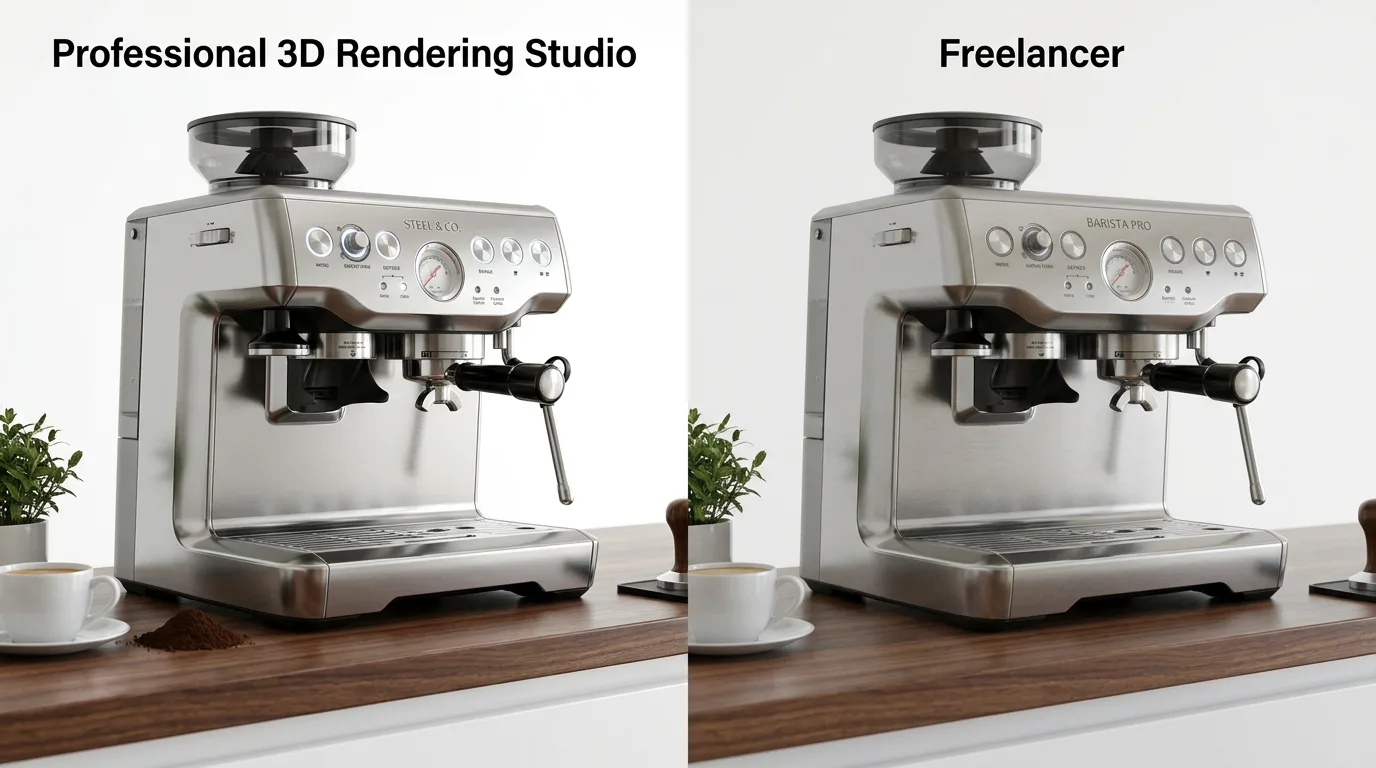
One of the most common questions is whether to hire a freelancer or work with a professional studio. Both can produce good results, but they come with different risk profiles.
Freelancers are often cheaper and can be flexible. But the quality range is enormous. A talented freelancer with five years of experience in your product category is a great option. A generalist just starting out who underquotes to win work? That’s where projects go sideways. Turnaround consistency and availability can also be issues if a freelancer is juggling multiple clients.
Studios like 360render.com bring structured workflows, consistent quality standards, and a team behind every project. You’re not dependent on a single person being available or healthy. There’s also accountability — studios tend to be easier to hold to timelines and revision policies. The tradeoff is that the price floor is generally higher. To understand whether it makes sense for your situation, the comparison between 3D render service vs in-house rendering is worth reading through carefully.
Hidden Costs to Watch Out For
The headline price isn’t always the final price. A few things to confirm before you sign off on any project:
Revision Rounds
Most studios include a set number of revisions. Going beyond that threshold typically triggers additional charges. Get clarity on exactly what counts as a revision — minor colour tweaks and full scene rebuilds are not the same thing.
Rush Fees
Tight deadlines cost more. That’s not unique to rendering — it’s true of any creative service. If your timeline is compressed, expect to pay a premium. Plan ahead where possible and book early.
Usage Rights
Most reputable studios include commercial usage rights in their pricing as standard, but it’s worth confirming. Exclusive rights or global licensing can affect pricing, particularly for high-profile campaigns.
File Format Conversions
Need the assets in a specific format for your e-commerce platform or production team? Confirm whether format conversions are included or billed separately.
Practical Tips to Get More from Your Rendering Budget
You don’t need to spend more to get better results — you need to be a better client. Here’s how to get maximum value from your 3D product rendering cost investment:
- Plan your shot list before briefing. Know exactly which angles you need for which channels. Briefing a studio with a clear shot list gets you accurate pricing and avoids scope creep.
- Provide strong reference materials. Physical product samples, spec sheets, material swatches, and competitor images you like all help the studio match your expectations faster. Fewer revision rounds means lower effective cost.
- Bundle multiple products. If you have several SKUs that need rendering, many studios offer better rates when work is batched. It’s more efficient for everyone.
- Reuse your 3D models. Once a model is built, adding new colourways, angles, or seasonal lifestyle scenes costs a fraction of starting from scratch. Think of the 3D model as a long-term asset.
- Ask about what you’re getting in the brief. Confirm deliverable formats, resolution, revision rounds, and ownership of the 3D files upfront. Knowing how to create 3D product renderings from a client perspective helps you ask the right questions.
How to Evaluate Quality Before You Commit
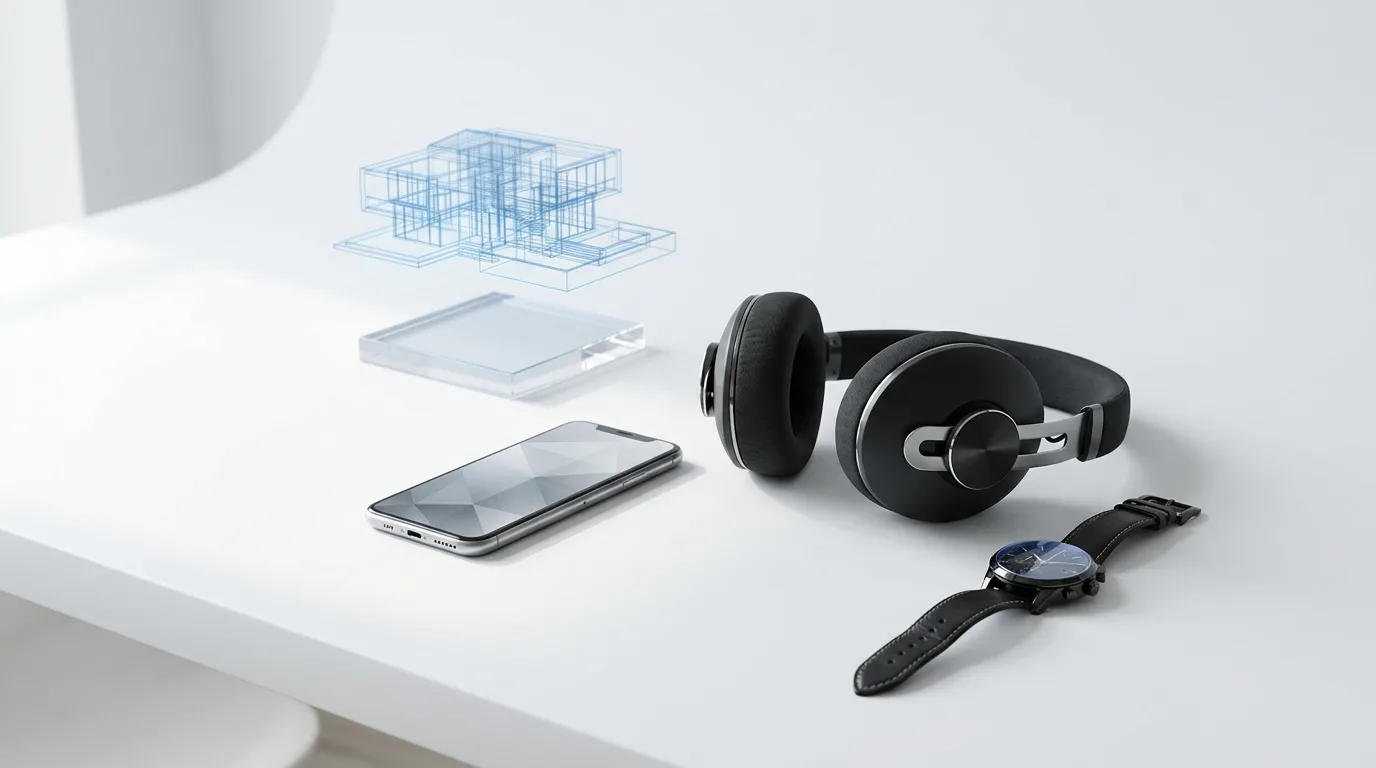
Price is one thing. Quality is another. A cheap render that makes your product look flat, plastic, or off-colour does more damage than good. Here’s what to look at when vetting a provider:
Portfolio depth matters. Look for examples in your product category, not just their best-ever showpiece image. If you’re a furniture brand, check their 3D furniture rendering services specifically. If you sell supplements, look for packaging work. A strong all-around portfolio suggests versatility; category experience suggests precision.
Communication style is a signal. Studios that ask smart questions upfront — about your brand, your use cases, your preferences — tend to deliver better results. Vague briefs produce vague renders.
Transparency is non-negotiable. Clear pricing, clear processes, clear timelines. If a studio is cagey about any of these things, that’s useful information. A good resource for navigating this is how to choose the best 3D product rendering company for your brand.
Is 3D Rendering Worth the Investment?
If you’re weighing rendering against traditional photography, the economics are more interesting than they first appear. Product photography has real costs — studio time, photographer fees, props, talent, post-production. And if your product changes colour, size, or configuration? You’re back to paying for a new shoot.
With 3D, once the model exists, variations are relatively inexpensive. You can generate new colourways, seasonal scene changes, or platform-specific formats without another shoot. For brands with multiple SKUs or frequent product updates, the case for CGI is strong. The debate between 3D rendering vs photography for product listings in 2025 is worth reviewing if you’re still deciding which direction to go.
Ready to Get a Proper Quote?
Understanding 3D product rendering cost isn’t just about finding the cheapest option — it’s about understanding what you’re buying and making sure it matches what your product and brand actually need. The right investment in product visuals pays for itself repeatedly through better conversions, stronger brand perception, and marketing assets that work across every channel.
If you’re ready to find out exactly what your project would cost, the team at 360render.com is straightforward to work with and happy to walk through your requirements without pressure. Head to our 3D product rendering services page to see what we do, or contact us directly with your brief. We’ll give you a clear, honest quote based on what your project actually needs.
Frequently Asked Questions
How much does a 360 3D product rendering cost on average?
A 360 3D product rendering typically costs between $500 and $3,000 depending on the complexity of the product, number of frames, and the studio or freelancer you hire. Simple consumer products with basic materials may fall on the lower end, while highly detailed items like electronics or jewelry with reflective surfaces can push costs higher. Freelancers generally charge less than agencies, but agencies often provide faster turnaround and more polished results.
What factors affect the price of a 3D product 360 render?
The main factors that influence 3D product rendering costs include product complexity, number of animation frames, texture and material detail, background or environment requirements, and revision rounds. A 360 spin render with 36 frames will cost more than one with 24 frames due to the additional rendering time and processing involved. Turnaround speed is also a key factor, as rush orders can increase the price by 20 to 50 percent.
Is hiring a freelancer or a 3D rendering studio cheaper for a 360 product render?
Freelancers typically charge between $300 and $1,500 for a 360 product render, making them a more affordable option for startups and small businesses with tighter budgets. Studios charge anywhere from $1,000 to $5,000 or more but offer dedicated project management, consistent quality, and faster delivery times. For complex products or ongoing e-commerce needs, a studio may provide better long-term value despite the higher upfront cost.
How many frames do I need for a smooth 360 product render and how does it affect cost?
A smooth 360 product animation typically requires between 24 and 72 frames, with 36 frames being the most common standard for e-commerce platforms like Amazon. More frames result in a smoother rotation but increase rendering time and overall cost, sometimes adding $100 to $500 or more to the project total. Discussing your platform's requirements with your renderer beforehand helps you avoid paying for unnecessary frames or getting a choppy result.
Can 3D product rendering save money compared to traditional product photography for 360 views?
Yes, 3D product rendering can be significantly more cost-effective than traditional 360 product photography, which requires a professional photographer, lighting setup, turntable equipment, and post-processing. Traditional 360 photo shoots can cost $800 to $2,500 per product, while a 3D render provides unlimited future revisions and variant colorways without additional shoots. For businesses launching multiple products or planning frequent updates, 3D rendering offers better scalability and long-term cost savings.
4 comments
slot gacor
Nice & helpful.
Absen
I like the efforts you have put in this, regards for all the great content.
website builder ai
Great information shared.. really enjoyed reading this post thank you author for sharing this post .. appreciated
Luthor
Nice post. I learn something totally new and challenging on websites
Comments are closed.