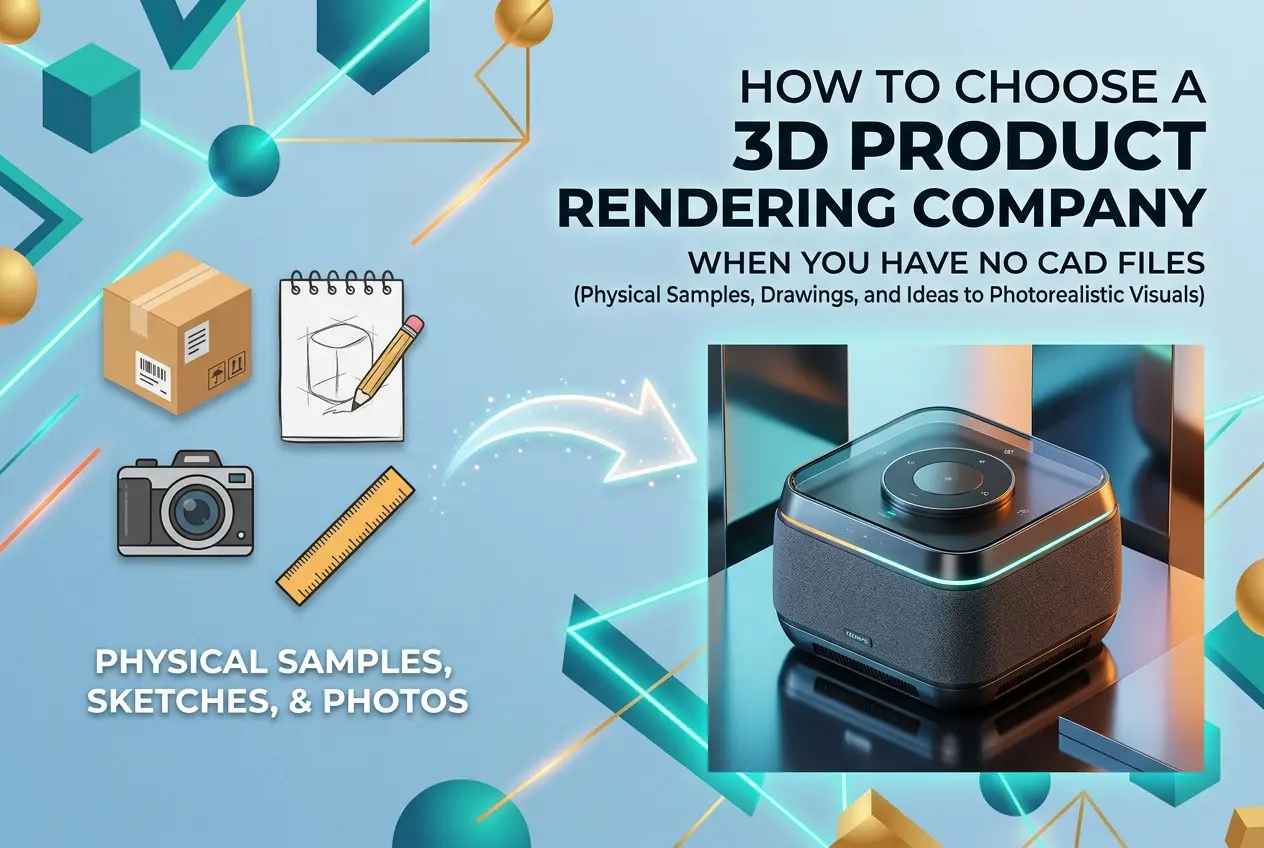
A lot of people come to us with a product idea, a reference photo, or sometimes just a hand-drawn sketch — and the first thing they ask is whether we can work without CAD files. The short answer is yes. But the real question is: how do you choose a 3D product rendering company when you have no CAD files, and how do you avoid wasting money on a studio that can’t actually handle your situation? This isn’t a minor detail. The ability to work from non-CAD inputs is a specific skill set, and not every studio has it. Some are set up purely to plug in ready-made engineering files and output images. Others — the ones worth your time — can reconstruct geometry from photos, sketches, dimensions, or product samples. Knowing the difference before you sign a contract matters enormously.
If you’re a product developer, e-commerce seller, or brand launching something new, you likely don’t have a finished CAD model sitting around. Maybe your product was designed years ago without digital documentation. Maybe you’re still in early concept phase. Maybe you’re a small business that had a factory in Shenzhen make something for you and all you have is a physical sample and a few supplier photos. These are real, common situations. The rendering industry knows this — the good studios, at least.
Why the Absence of CAD Files Isn’t a Problem — If You Choose Wisely
CAD files are a starting point, not a requirement. What a rendering studio actually needs is enough geometric and material information to build an accurate 3D model. That information can come from many sources: orthographic photos taken from multiple angles, physical dimensions you measure yourself, existing product drawings even if they’re hand-sketched, patent illustrations, or a physical sample you ship to the studio. In our own workflow at 360render, we frequently start from reference photos and a dimension sheet. The modeler builds the mesh from scratch — it takes more time than importing a file, but the output is the same high-quality render.
What this means for you as a client is simple: the studio’s modeling capability is just as important as their rendering capability. Ask to see models they’ve built from scratch, not just renders of pre-supplied assets. If a studio can’t show you that, they probably can’t handle your project without CAD files.
How to Choose a 3D Product Rendering Company When You Have No CAD Files: What to Actually Ask
Most clients spend their time evaluating portfolios and pricing. That’s fine, but when you don’t have CAD files, you need to go a few layers deeper. Here’s what to specifically ask any studio you’re considering:
Can They Model From Scratch?
This seems obvious but it’s not. Ask them directly: “My product is a physical object. I have photos and dimensions. Can you build a model from that?” Some studios will say yes and mean it. Others will say yes and deliver a rough approximation that looks off when rendered. Ask to see examples of products they modeled from reference images alone — not from imported CAD. Look at whether the edges, curves, and proportions feel accurate and intentional rather than approximated.
What Do They Need From You?
A good studio will give you a clear intake checklist. For a product with no CAD file, that usually means: photos from all key angles (front, back, sides, top, bottom), overall dimensions, any internal or structural details that affect the outer form, material callouts (what’s metal, what’s plastic, what finish), and any logos or surface graphics. If a studio just says “send us whatever you have” without structure, that’s a sign they don’t have a solid process for this situation.
Do They Have In-House Modelers or Do They Outsource?
Some rendering companies are essentially resellers. They outsource modeling to freelancers, which introduces inconsistency and communication gaps. When you’re working without CAD files, that communication chain matters. Every layer between you and the person building the geometry is a place where accuracy can get lost. Studios with in-house modelers can iterate faster, catch errors earlier, and maintain tighter quality control across revisions.
Input Types They Should Be Comfortable With

Different studios handle different input formats with varying levels of competence. Here’s a quick overview of what’s typically available to clients who don’t have CAD, and what to expect from each:
| Input Type | What It Can Provide | Typical Modeling Effort |
|---|---|---|
| Multi-angle photos + dimensions | Form, proportions, surface details | Moderate — good for most products |
| Hand-drawn sketches with annotations | Concept form, rough proportions | Higher — requires interpretation |
| Physical product sample | Most accurate — can be measured directly | Moderate to low with good process |
| 2D technical drawing (PDF/DXF) | Accurate dimensions, cross-sections | Low — nearly as efficient as CAD |
| Reference/competitor product images | Style reference only, not accurate geometry | Risky — easily misrepresents your product |
One thing worth flagging: using only competitor or reference product images as your sole input is the situation we caution clients about most often. It’s tempting when you’re in early concept stage, but the resulting model reflects someone else’s product, not yours. Even small geometric differences matter when the render is being used for e-commerce listings or investor presentations.
Red Flags to Watch For
When evaluating studios that claim they can work without CAD files, there are a few warning signs that are easy to miss until it’s too late.
They quote before asking questions. If a studio sends you a price before asking about your input materials, product complexity, or intended use, that’s a generic quote that probably won’t account for the extra modeling work involved in building from scratch. You’ll either get a rough result or an invoice surprise mid-project.
Their portfolio is all hero renders with no close-up product detail. Wide-angle lifestyle renders can hide a multitude of modeling shortcuts. Look for close-up product renders where the edge quality, material transitions, and surface detail are clearly visible. That’s where modeling accuracy shows itself.
They don’t ask for multiple reference angles. If someone says “just send us one photo,” either they’re modeling something extremely simple, or they’re willing to guess at the parts they can’t see. Neither is great for a product that needs to look accurate.
No defined revision process. Without CAD files, the first model draft is almost always the beginning of a conversation, not the final word. You need at least two rounds of model review before rendering begins. If a studio doesn’t build this into their process, you’ll hit friction when you spot errors.
What Good Studios Do Differently

In our experience, the studios that handle no-CAD projects well share a few common practices. They have a structured brief specifically designed for physical or photo-referenced products. They separate the modeling phase from the rendering phase with a formal approval step — you see and sign off on the model before any lighting or texturing begins. They communicate proactively when reference materials are ambiguous rather than making assumptions. And they price modeling time honestly, separate from render time, so you understand what you’re actually paying for.
We’ve also found that clients who prepare their reference materials well get dramatically better results. If you’re going into a project without CAD, spend thirty minutes with a tape measure and a decent camera. Document every angle. Note every material, finish, and dimension. That effort at the start saves multiple revision rounds later.
Practical Tips Before You Reach Out to Any Studio
Before you contact a rendering company, do this groundwork. It will make every conversation more productive and help you quickly assess whether a studio knows what they’re doing:
- Gather photos of your product from at least six angles: front, back, left side, right side, top, and a 45-degree three-quarter view.
- Write down the key dimensions — overall height, width, depth, and any critical measurements like screen size, handle diameter, or button placement.
- List every material and finish: matte plastic, brushed aluminum, tempered glass, soft-touch rubber, and so on.
- Note any branding elements — logos, text, color codes — that need to appear on the product.
- Define what the renders will be used for: e-commerce listing, trade show display, investor deck, social media. This affects the camera angles and output resolution the studio will recommend.
Any studio worth working with should ask you for most of this before they quote. If they don’t, you already know something about how seriously they take accuracy.
Conclusion
Choosing the right partner when you have no CAD files comes down to finding a studio with genuine modeling capability, a structured intake process, and the communication discipline to iterate with you until the geometry is right before anyone touches a render. It’s not a niche requirement — it’s how a large portion of real product rendering projects actually work. The studios that are good at it don’t treat missing CAD files as a problem. They treat it as a standard scenario with a defined workflow.
If you’re ready to start a project and want to talk through what inputs you have and what’s possible, get in touch with our team at 360render. We’ll give you an honest assessment of what we need, what we can build, and what the process looks like for your specific product — no assumptions, no guesswork.
Frequently Asked Questions
Can a 3D rendering company create product visuals without CAD files?
Yes, many professional 3D rendering companies specialize in building 3D models from scratch using alternative reference materials such as physical product samples, sketches, photographs, technical drawings, or even rough dimensions you provide. They use skilled 3D modelers who can reconstruct your product geometry manually before applying textures, lighting, and materials. When evaluating companies, specifically ask whether they offer 'modeling from reference' services and request examples of past projects where no CAD files were available.
What materials or references should I prepare if I don't have CAD files for my product?
To help a 3D rendering studio work without CAD files, gather as many reference materials as possible including high-resolution photos from multiple angles, hand-drawn or digital sketches, physical dimensions and measurements, material swatches, and any existing marketing images. The more detailed and accurate your references, the faster and more precisely the studio can build a faithful 3D model of your product. Some companies will also work directly with a physical sample you ship to them, allowing their artists to measure and photograph it directly.
How do I evaluate whether a 3D rendering company is experienced enough to work without CAD files?
Look closely at the company's portfolio for examples of highly detailed or complex product renders and ask directly whether those projects started from CAD files or were modeled from scratch. Request client references or case studies that specifically involve projects without existing 3D data, as this demonstrates the company's modeling capabilities rather than just their rendering skills. A reputable studio will be transparent about their workflow and provide a clear breakdown of how they handle the modeling phase before moving into rendering.
How does working without CAD files affect the cost and timeline of a 3D product rendering project?
When a 3D rendering company must build a model from scratch rather than importing an existing CAD file, expect both costs and timelines to increase because skilled 3D modeling is labor-intensive and time-consuming. A simple product modeled from references might add one to three days and several hundred dollars to your project, while highly complex or intricate products could add a week or more and significantly higher fees. Always request an itemized quote that separates the modeling cost from the rendering cost so you can compare studios accurately.
What questions should I ask a 3D rendering company before hiring them for a no-CAD-file project?
Key questions to ask include: Do you offer in-house 3D modeling, or do you outsource that phase? How many revision rounds are included in the modeling stage before rendering begins? Can you share examples of similar products you have modeled from photos or physical samples? You should also ask about their process for confirming model accuracy before committing to full rendering, since catching geometry errors early prevents costly revisions later in the project.
Also read: 3D Furniture Rendering Services: What to Expect, What It Costs and How to Choose the Right Studio