If you’ve ever wondered what it feels like to stand inside a building that hasn’t been built yet, or spin a product around in every direction before it’s been manufactured — that’s exactly what 360 virtual rendering makes possible. Understanding what is 360 virtual rendering and how does it work for products and architecture is becoming increasingly important for anyone involved in design, development, or sales. This isn’t just about pretty pictures. It’s a technically precise process that bridges the gap between a concept on paper and something a client can actually experience. At 360render.com, this is the work we do every day — and the questions we get asked most often are about how the technology actually functions under the hood.
Most people have encountered a 360 image at some point — maybe a real estate listing where you could drag your mouse to look around a room, or a product viewer on an e-commerce site where you could rotate a sneaker or a piece of furniture. What many people don’t realize is that these experiences don’t always require a photographer or a physical prototype. They can be built entirely from 3D geometry, materials, and lighting simulated on a computer. The output looks photographic. The process is entirely digital. That distinction matters enormously for product developers and architects who need visual assets before anything physical exists.
So let’s break it down properly — how it’s made, where it fits into a real project workflow, and what separates work that genuinely communicates a design from work that just looks nice in a screenshot.
What Is 360 Virtual Rendering and How Does It Work — The Core Technical Process
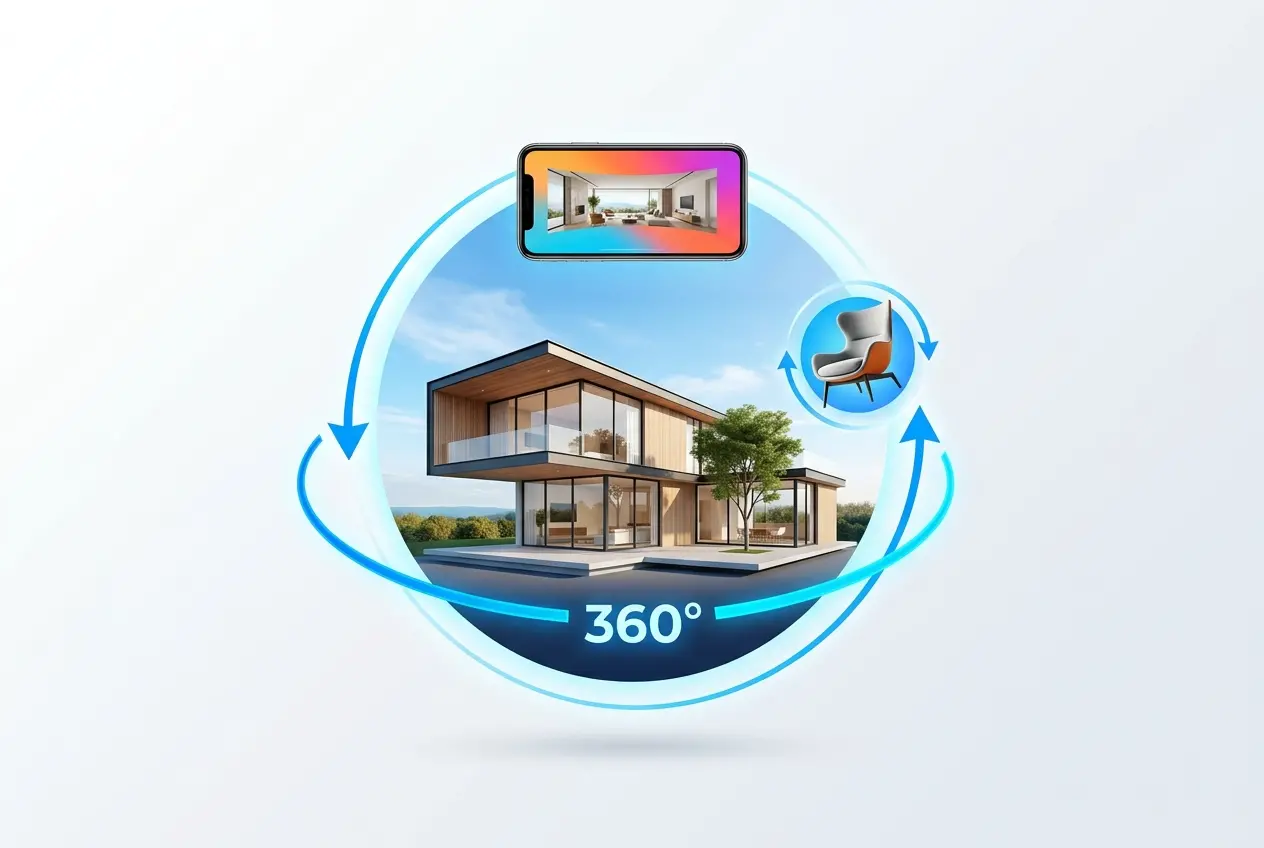
At its most basic level, 360 virtual rendering is the process of creating a fully spherical or panoramic visual output from a 3D scene. Where a standard render gives you a single, fixed camera angle — like a photograph — a 360 render captures the entire environment around a central point. When you view it through a compatible viewer (on a website, in a headset, or on a phone with gyroscope support), you can look in any direction: up, down, left, right, behind you.
Here’s how it actually gets made in our studio. The process starts with a 3D model — either built from scratch based on architectural drawings or product specs, or supplied by the client in formats like DWG, Revit, SketchUp, or STEP files. That model is brought into rendering software — typically 3ds Max, Blender, or Cinema 4D — and then prepared for rendering with V-Ray, Corona, or Cycles as the render engine. Materials are applied: wood grain, fabric texture, metallic reflections, glass transparency. Lighting is set up to simulate natural sunlight, interior lamps, or studio-style product lighting depending on the use case.
For a standard 360 panoramic render, the camera is set to a spherical or equirectangular projection mode. The render engine then calculates light behavior across the entire sphere — every pixel, in every direction — and outputs a single wide image that maps the complete environment. That equirectangular image is then loaded into a viewer platform (like Krpano, Marzipano, Pannellum, or a custom WebGL solution) where it becomes an interactive experience for the end user.
For products specifically, the workflow is slightly different. Rather than a single panoramic capture, product 360s often involve rendering a sequence of frames — typically 24 to 72 images — rotating the object at equal intervals around a central axis. These frames are stitched together or served sequentially to create a spin animation. This is what you see on premium e-commerce product pages. The viewer drags left or right, and the product appears to rotate in real time.
Architecture Applications: From Pre-Sale Visualization to Virtual Walkthroughs

For architects and real estate developers, 360 virtual rendering has become a serious tool in the pre-construction sales process. When a project is still in the design development phase, you obviously can’t take clients on a physical site visit. But you can place them inside a photorealistic digital version of the space and let them look around freely.
We’ve worked with developers who needed to present apartment interiors to buyers at a time when the building was nothing more than a foundation and a set of approved drawings. The 360 renders gave potential buyers the ability to stand at the center of a living room, look toward the kitchen, turn around to see the view from the window, and look up at the ceiling detail. That’s a fundamentally different experience from handing someone a floor plan or even a static render from one angle.
The technical setup for architectural 360s involves making deliberate decisions about camera height — typically eye level at roughly 1.5 to 1.6 meters — and carefully managing the scene’s lighting so it reads correctly in all directions simultaneously. This is actually harder than it sounds. In a standard render, you can position lights off-screen. In a 360 render, there is no off-screen. Every light source, every shadow, every reflection needs to make sense in a full spherical view. It’s one of those constraints that forces you to be more disciplined about how you set up a scene.
Multiple 360 renders placed at different positions within a building — say, the entrance lobby, the master bedroom, the kitchen, and the terrace — can be connected through hotspot navigation to create a virtual tour. The viewer clicks an arrow and moves from room to room. This is what most people refer to as a 360 virtual walkthrough, and it’s built from exactly this kind of rendered panoramic sequence. If you want to understand how this fits into a broader architectural visualization workflow, our architectural rendering services page covers the different formats and deliverables we offer.
Product Rendering: Why Brands Are Moving Away from Physical Photo Shoots

On the product side, the use case is different but the core value is similar: you need high-quality visual assets before — or instead of — investing in physical production. Physical product photography requires prototypes, studio time, photographers, prop stylists, and post-production editing. For a single colorway, you might be able to justify that. But if you have a product that comes in twelve finishes, or if you need to show it against multiple background environments, the cost and logistics stack up quickly.
With 3D product rendering, once the base model is built and textured, generating a new colorway is often as simple as swapping a material. Want to see the lamp in matte black, brushed brass, and chrome? That’s a material change in software, not a new manufactured prototype. Want to show your furniture piece in a living room setting, an office setting, and an outdoor setting? It’s a scene swap, not a new shoot day.
The 360 spin format in particular has proven valuable for categories where physical detail matters to the buyer — jewelry, footwear, electronics, furniture, industrial equipment. The ability to inspect an object from any angle, see how light moves across its surface, and examine fine details from different perspectives is something a flat product image simply cannot provide. Our product rendering services are built specifically around these kinds of deliverables — from single hero shots to full 360 spin sequences ready for e-commerce deployment.
What Clients Often Get Wrong About the Process
The most common misconception we encounter is the assumption that 360 rendering is just a matter of pushing a button once a 3D model exists. The model is actually the starting point, not the ending point. A CAD file built for engineering purposes typically has no materials, no lighting, no environmental context, and often geometric details that need to be adjusted or added before the scene is ready to render. Preparing a scene for a high-quality 360 output is its own substantial phase of work.
Another thing clients frequently underestimate is the importance of the brief. Because a 360 render captures every direction, decisions like time of day, interior lighting mood, furniture arrangement, and material finishes all need to be defined upfront. If you’re used to static renders where you can nudge a camera angle slightly after the fact, the 360 format asks for more complete decision-making earlier in the process. We always recommend spending proper time on reference collection and mood boards before production starts — it saves significant revision time later.
File delivery is another area worth discussing. A 360 render isn’t just a JPEG you drop on your website. It needs to be formatted correctly for the viewer it will live in. Whether it’s embedded in a web page, delivered as part of an app, used inside a VR headset, or integrated into a presentation platform like Matterport or Kuula — each environment has specific technical requirements around resolution, file format, and metadata. We walk clients through these specifications as part of our delivery process so the final asset actually works the way it’s supposed to.
Choosing the Right Format for Your Project
Not every project needs a full interactive tour. Sometimes a single well-placed 360 panoramic render — embedded on a landing page or sent to a client as a link — is exactly the right scope. Other times, a multi-room virtual walkthrough with hotspot navigation and embedded information panels is the appropriate output. For products, a 72-frame spin might be necessary for a luxury goods presentation, while a 24-frame sequence works perfectly for a standard e-commerce listing.
The format should follow the purpose. We spend time in the briefing phase understanding where the asset will be used, who the audience is, what device they’ll view it on, and what action you want them to take afterward. Those answers shape every technical decision that follows.
Understanding what is 360 virtual rendering and how does it work for products and architecture comes down to recognizing it as a complete production process — not a filter or an automated output, but a craft that involves modeling, texturing, lighting, rendering, and delivery, each requiring real expertise. When it’s done properly, the result is a visual asset that communicates design with a depth and interactivity that flat imagery simply can’t match.
If you’re working on a project and want to explore whether 360 rendering is the right approach — or which format fits your timeline and budget — we’re straightforward to talk to. Reach out to our team and let’s look at what your project actually needs.
Frequently Asked Questions
What is 360 virtual rendering and how is it different from standard 3D rendering?
360 virtual rendering creates a fully interactive, panoramic visualization that allows viewers to rotate and explore a product or architectural space from every angle, unlike standard 3D rendering which produces static images from a fixed viewpoint. The technology stitches together multiple rendered frames into a seamless spherical or cylindrical environment that users can navigate in real time. This makes it especially valuable for showcasing spatial depth, material details, and design intent in a way flat images simply cannot replicate.
How does 360 virtual rendering work for product visualization in e-commerce?
For e-commerce, 360 product rendering involves creating a detailed 3D model of the product, applying realistic textures and lighting, and then rendering dozens of sequential frames at incremental rotation angles that are compiled into an interactive spin viewer. Shoppers can drag or swipe to rotate the product a full 360 degrees, examining every surface, seam, and feature before purchasing. This approach has been shown to increase buyer confidence and reduce return rates because customers get a near-physical sense of the product without holding it.
What software and technology is used to create 360 virtual renderings for architecture?
Architectural 360 renderings are typically produced using 3D modeling software like Autodesk Revit or SketchUp combined with photorealistic rendering engines such as V-Ray, Lumion, or Unreal Engine. Once the 3D scene is built and lit, the rendering engine captures a spherical equirectangular image that can be viewed in a web-based 360 viewer or a VR headset. Advanced pipelines integrate real-time engines like Unreal Engine 5 to allow fully interactive walkthroughs with dynamic lighting and material changes.
How long does it take to produce a 360 virtual rendering for a product or building?
The timeline depends on the complexity of the subject, but a basic 360 product rendering can typically be completed in two to five business days once a finalized 3D model or CAD file is available. Architectural 360 panoramas for a single room or exterior view generally take three to seven days, while full interactive virtual tours of large buildings may require two to four weeks. Factors like the number of revisions, level of photorealistic detail, and whether animation or VR interactivity is included will extend production time.
What are the main business benefits of using 360 virtual rendering before a product or building is physically built?
360 virtual rendering allows brands, architects, and developers to market, sell, or gather feedback on a product or space before any physical construction or manufacturing takes place, dramatically reducing costly late-stage design changes. For real estate and architecture, pre-construction 360 tours help secure investor funding and pre-sales by giving stakeholders an immersive sense of the finished project. For product companies, photorealistic 360 renders can replace expensive physical photo shoots and enable global marketing campaigns with consistent, high-quality visuals from day one.