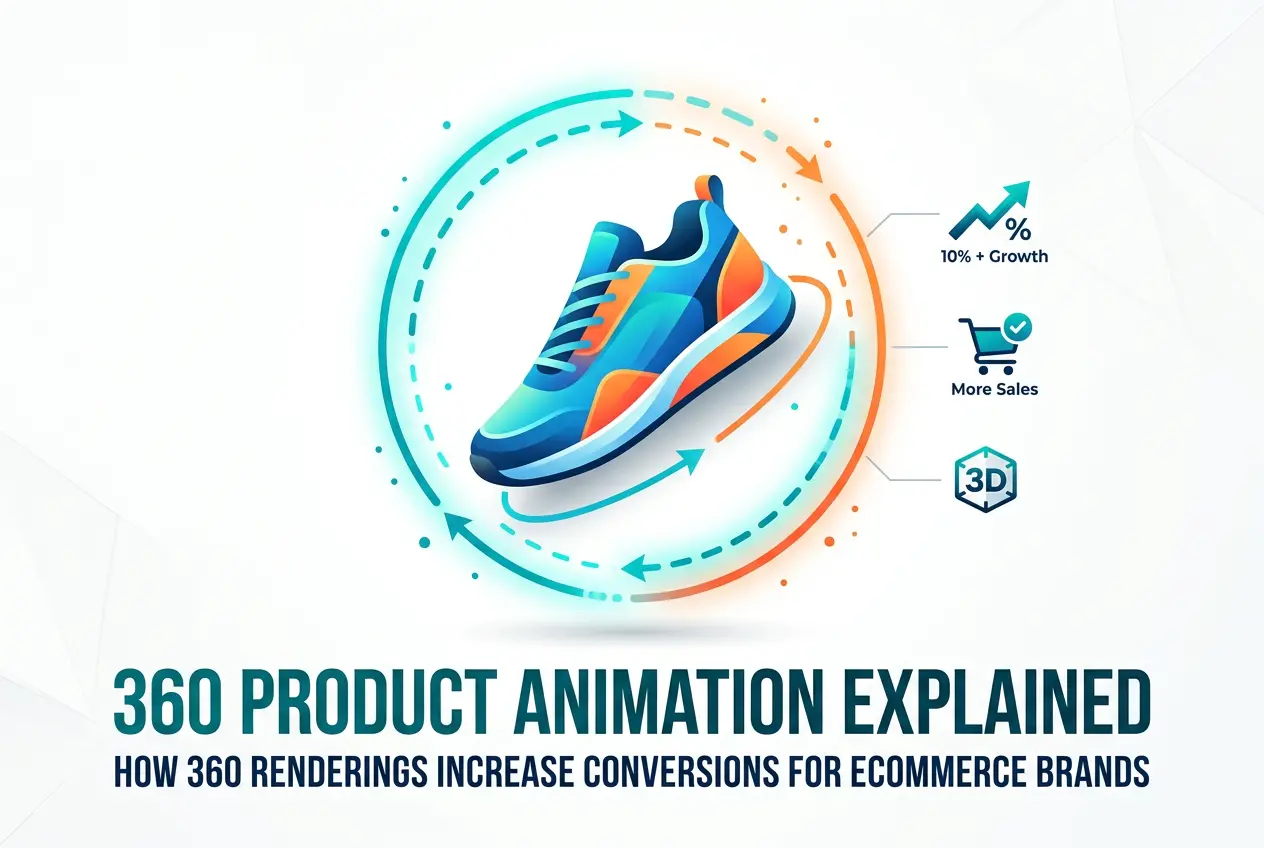
If you’ve watched a product rotate smoothly on a product page — every angle, every surface, every curve visible without clicking through a gallery — you’ve experienced what 360 product animation does at its best. It’s not a novelty. It’s a practical answer to one of ecommerce’s oldest problems: how do you help someone understand a physical object through a screen? That question is central to conversion. People buy what they can mentally grasp. A rotating product gives them that grasp in a way a flat image simply can’t. At 360render.com, we’ve produced spin animations for supplement brands, beverage companies, footwear accessories, and more — and the pattern we see repeatedly is that when shoppers can see a product from every angle, they hesitate less at checkout.
This post explains how 360 product animation actually works, what the different deliverable formats mean in practice, how the production pipeline runs, and what to think about before you commission one. Whether you’re an Amazon seller, a Shopify brand, or a product manager deciding where to invest your visual content budget, this is the practical version of that conversation — no inflated claims, just what we’ve observed working on these projects every day.
What 360 Product Animation Actually Means

There’s genuine confusion in the market about this term, so let’s be specific. “360 product animation” covers three distinct deliverable formats. They share the same source material but serve different purposes depending on where and how you’re selling.
Looping Video (MP4 or MOV)
This is a rendered video of the product rotating on a continuous loop — typically between 5 and 15 seconds. The product spins against a clean studio background, and the viewer watches it turn. This format works well on Amazon listings for brand-registered sellers, where video plays automatically in the image block. It also performs well as paid social content on platforms like Meta and TikTok, where short looping clips stop scroll behavior. The file size is manageable, autoplay is supported in most environments, and it communicates product quality instantly.
GIF Format
The same looping rotation compressed into a GIF. Useful for email marketing campaigns, some social platforms, or older CMS environments that don’t handle video embeds cleanly. GIFs carry a larger file size relative to video at equivalent quality, so we generally push clients toward MP4 when the platform supports it. But for email, GIF is often the only real option that reliably animates across clients.
Interactive Draggable Spin (Image Sequence)
This is the format that performs best on brand storefronts and Shopify product pages. Instead of watching the product rotate, the customer controls the spin with their mouse or finger. That interactivity is the key difference — it creates something close to a tactile experience. The shopper is actively handling the product rather than passively watching it. This format requires a JavaScript-based viewer embedded on the page, or a platform plugin that loads the image sequence. If you want to see what this feels like, our 360 render service page has live draggable examples you can interact with directly.
All three formats start from the same production source: a fully textured 3D model rendered at multiple angles — usually 36 or 72 frames covering a complete horizontal rotation. The frames are then compiled into whichever output format the brief requires. Understanding this matters because it affects how you scope your project and what you pay for.
How 360 Renderings Increase Conversions for Ecommerce Brands

The conversion logic is straightforward. Online shopping forces customers to make purchase decisions without physically interacting with the product. The less visual information they have, the more uncertainty they carry into checkout — and uncertainty kills conversions. A flat image, even a well-shot one, only shows one perspective. Multiple static images help, but there’s still a cognitive gap: the shopper has to mentally reconstruct what the product looks like from angles they haven’t seen. That gap creates doubt.
A 360 spin removes that gap. The product just makes visual sense. You see how the label wraps around the back of a supplement container. You see the lid proportions, the shoulder curve, the base footprint. For products where design and form are part of the value proposition — premium packaging, branded beverage cans, technical accessories — that complete visual picture directly affects perceived quality. Shoppers don’t just see that the product exists; they understand what they’re getting.
There’s also a returns angle worth considering. A consistent pattern we see across clients is that complete visual representation reduces post-purchase surprise. When the customer already knows the size, finish, and shape of what they ordered, the product that arrives matches their expectation. Fewer surprises means fewer returns, and for high-SKU operations, that’s a real operational benefit. If you’re specifically selling on Amazon and weighing how this fits your visual strategy, our guide on 3d product rendering for amazon sellers the complete 2025 guide covers the broader picture of how 3D assets perform on that platform.
The Production Pipeline: What Actually Happens
Knowing how the sausage gets made helps you have better conversations with any studio you work with — and helps you provide the right inputs from the start.
3D Modeling
We either build the model from scratch using product references, technical drawings, and physical measurements, or we start from an existing 3D file if the client has one. Accuracy at this stage determines everything downstream. If the proportions are off by even a small margin, the rotation will look wrong regardless of how polished the textures and lighting are. This is not the stage to cut corners.
Texturing and Materials
This is where the product comes to life. Label artwork gets mapped onto the geometry with accurate UV unwrapping so graphics sit correctly on every visible surface as the product rotates. Material properties — gloss level, metallic reflectivity, plastic translucency, matte coatings, soft-touch finishes — all get defined here. A supplement container might have four or five distinct material zones on one object: a glossy label wrap, a matte body finish, a semi-transparent lid, a metallic neck band. Each needs its own material setup, and getting these right is what separates a 360 animation that looks like a real product from one that looks like a 3D model of a product.
Lighting for Rotation
Studio lighting for a 360 animation is a different problem than lighting a hero shot. A dramatic side-lit setup that looks stunning at 0 degrees can look harsh or flat at 180 degrees. The lighting has to read well from every angle simultaneously. We typically work with a high-key neutral studio environment — clean, bright, balanced — that presents the product clearly across the full rotation without any single angle looking worse than the others. The specific brief still matters though. “Make it look good” isn’t a lighting direction. White studio? Gradient? Environmental light? Get that decision made early.
Camera Path and Frame Count
The camera orbits the product at a fixed distance and height, capturing one frame per degree interval. At 36 frames per full rotation, each frame represents 10 degrees. At 72 frames, you get 5-degree increments and a noticeably smoother result. We render at high resolution and composite background elements afterward. For most ecommerce applications, 36 frames is sufficient for video output; for draggable interactive viewers, 72 frames gives a more natural feel.
Output and Delivery
Rendered frames get compiled into the client’s required format — video, GIF, or a numbered image sequence for interactive viewer integration. File optimization for web delivery is part of this stage. A 360 animation that takes eight seconds to load on a product page defeats its own purpose. Our full 3d rendering process covers how we manage quality control through each of these stages.
Platform Considerations for 2025 and 2026
The platform you’re selling on should drive which format you request — and this is an area where we see clients make easily avoidable mistakes.
Amazon supports video in the main image gallery for brand-registered sellers. A looping MP4 of a rotating product works well here and stands out clearly in a gallery of static images. Amazon does not currently support interactive draggable 360 viewers in standard product listings, so video is your best format for that platform. If you’re building out Amazon content more broadly, it’s worth reading about amazon product rendering as a whole — the 360 spin is one piece of a larger visual strategy.
Shopify and WooCommerce can support interactive spin viewers through third-party plugins or custom JavaScript. If you control your own storefront, this is where the draggable experience adds the most value. Shoppers spend more time on the product page, interact with the object, and build a sense of familiarity before committing to purchase.
Social platforms — Instagram, TikTok, Meta ads — work best with short looping video clips. Five to eight seconds is a natural length for a spin animation used as paid content or organic product posts. GIF format handles email reliably where video autoplay isn’t consistent.
What Clients Consistently Get Wrong
We see the same mistakes repeatedly. Here are the ones worth knowing before you brief a studio.
Providing weak reference material. A low-resolution product photo and no dimensions will produce a model that’s only as accurate as our best guesses. Accurate measurements, high-resolution label artwork, and clear photos from every angle are the inputs that determine output quality. The better your reference material, the better — and faster — the result.
Requesting 360 animation for products with no visual depth. The format is most valuable when the product has interesting geometry or branding that wraps the form. Supplement containers, beverage cans, footwear, tech accessories, and furniture all benefit strongly. A simple flat packet with a single printed face probably doesn’t need a 360 spin — a well-executed studio still render will serve it better. It’s worth understanding when 3d rendering vs photography which is better for product listings in 2025 so you can make the right call for each product type.
Conflating 360 animation with all 3D product visuals. A 360 spin is one specific deliverable. It doesn’t include lifestyle scenes, exploded views, or close-up detail renders unless those are explicitly scoped. Knowing what you actually need before the brief prevents scope creep and protects your budget.
Underestimating the value of the lighting brief. The lighting direction affects every single frame in the rotation. Getting this decision made clearly upfront — white studio, gradient environment, dark dramatic setup — saves revision rounds and keeps the project on timeline.
Is the Investment Worth It?
For most product categories where visual differentiation affects purchasing decisions, the answer is yes — with one honest caveat. The value depends on where you’re selling, how competitive your category is, and whether your product has visual qualities that actually benefit from a full rotation. On Amazon, where multiple sellers may carry identical or near-identical products, the visual quality of your listing directly affects perceived brand value. A polished 360 animation signals that the brand behind the product is serious, and that signal matters especially to first-time buyers with no prior relationship to your brand.
The format also ages well. Unlike photography, which locks you into a physical sample at a specific moment in time, a 3D asset is updatable. Change your label artwork? Update the texture file and re-render. Launch a new color variant? Adjust the material properties and re-render. The initial investment becomes part of your product’s visual infrastructure rather than a one-time production cost.
If you’re ready to explore what 360 product animation could look like for your product line, or you want an honest assessment of which format fits your platform and budget, reach out through our contact us page. We’re a working studio — bring us your product and we’ll tell you directly what will perform best for where and how you’re selling.
Frequently Asked Questions
What is 360 product animation and how does it work for ecommerce?
360 product animation is a series of rendered frames — either compiled into a video, GIF, or interactive image sequence — that shows a product rotating through a complete horizontal rotation. It works by building a 3D model of the product, rendering it from dozens of angles under controlled studio lighting, and then assembling those frames into a format that plays or responds to user interaction on a product page. The result gives online shoppers a near-physical understanding of the product’s form, finish, and proportions.
What’s the difference between 360 product animation and 360 product photography?
360 product photography uses a real physical product placed on a rotating turntable, captured with a camera at regular intervals. 360 product animation is entirely computer-generated using 3D rendering software — no physical product is required. CGI-based animation offers tighter control over lighting, the ability to visualize pre-production products that don’t yet exist physically, and easier updates when packaging or colorways change.
Which platforms support 360 product animation?
Amazon supports looping video in the main image gallery for brand-registered sellers. Interactive draggable spin viewers work on Shopify and WooCommerce storefronts through plugins or custom implementation. Social platforms like Instagram, TikTok, and Meta ads handle short looping video clips well. Email marketing is best served by GIF format. The right deliverable format depends on where your customers are actually encountering your product.
How many frames does a good 360 animation need?
36 frames (one per 10-degree interval) is sufficient for most video output formats. 72 frames (one per 5-degree interval) produces a smoother result for interactive draggable viewers where the customer controls the spin speed manually. More frames means more render time and slightly larger file sizes, but for interactive formats the smoothness improvement is noticeable and worth it.
Can 360 product animation be updated if my packaging changes?
Yes — this is one of the practical advantages of CGI over photography. If your label artwork changes, the texture file on the 3D model gets updated and the frames are re-rendered. If you launch a new color variant, the material properties are adjusted and the rotation is re-rendered. You’re updating an existing asset rather than scheduling an entirely new shoot, which is generally faster and more cost-effective than starting from scratch.
Frequently Asked Questions
What is 360 product animation and how does it work for ecommerce?
360 product animation is an interactive visual experience that displays a product from every angle by stitching together a series of rendered or photographed frames, allowing shoppers to rotate the item in a full circle. It works by capturing or rendering 24 to 72 images of a product at evenly spaced angles, then combining them into a seamless, draggable viewer embedded on a product page. This gives online shoppers the same spatial understanding they would get from picking up a product in a physical store.
How much can 360 product animations increase conversion rates for ecommerce stores?
Studies and case studies from major ecommerce platforms show that 360 product animations can increase conversion rates by 20 to 40 percent compared to static product images alone. Brands like Shopify merchants and enterprise retailers have reported lower return rates and higher add-to-cart clicks after implementing 360 views, because customers feel more confident in their purchase decision. The reduction in buyer uncertainty directly translates to measurable revenue growth and improved customer satisfaction scores.
What is the difference between 360 product animation and a standard product video?
A standard product video is a pre-recorded, linear clip that plays automatically and shows the product from angles chosen by the creator, giving the viewer no control over what they see. A 360 product animation is fully interactive, letting the shopper drag, spin, and pause the product at any angle they personally want to inspect. This interactivity is the key distinction, as it places the customer in control of the viewing experience rather than passively watching a scripted presentation.
How much does it cost to create a 360 product animation for an ecommerce brand?
The cost of 360 product animation varies widely depending on the method used, ranging from roughly 200 to 500 dollars per product for CGI rendering pipelines to 500 to 2,000 dollars or more for professional studio photography turntable setups. CGI-based 360 renderings are often more cost-effective at scale because the same 3D model can be reused to create multiple marketing assets beyond the spin viewer. Brands should weigh the upfront investment against the expected lift in conversions and reduction in product returns when evaluating ROI.
Which ecommerce platforms support 360 product animation and how do you add it to a product page?
Major ecommerce platforms including Shopify, WooCommerce, Magento, and BigCommerce all support 360 product animations through dedicated apps, plugins, or custom JavaScript embeds such as Magic360, Sirv, or Cloudinary Spin Viewer. Most solutions require you to upload your sequence of images or a single 360 file, configure the viewer settings, and paste an embed code or install the plugin directly onto your product page template. Implementation typically takes less than an hour per product once your image sequence is ready, making it accessible even for small ecommerce teams without deep technical expertise.
Also read: 3D Product Rendering Cost in 2026: Pricing Breakdown by Product Type and Complexity