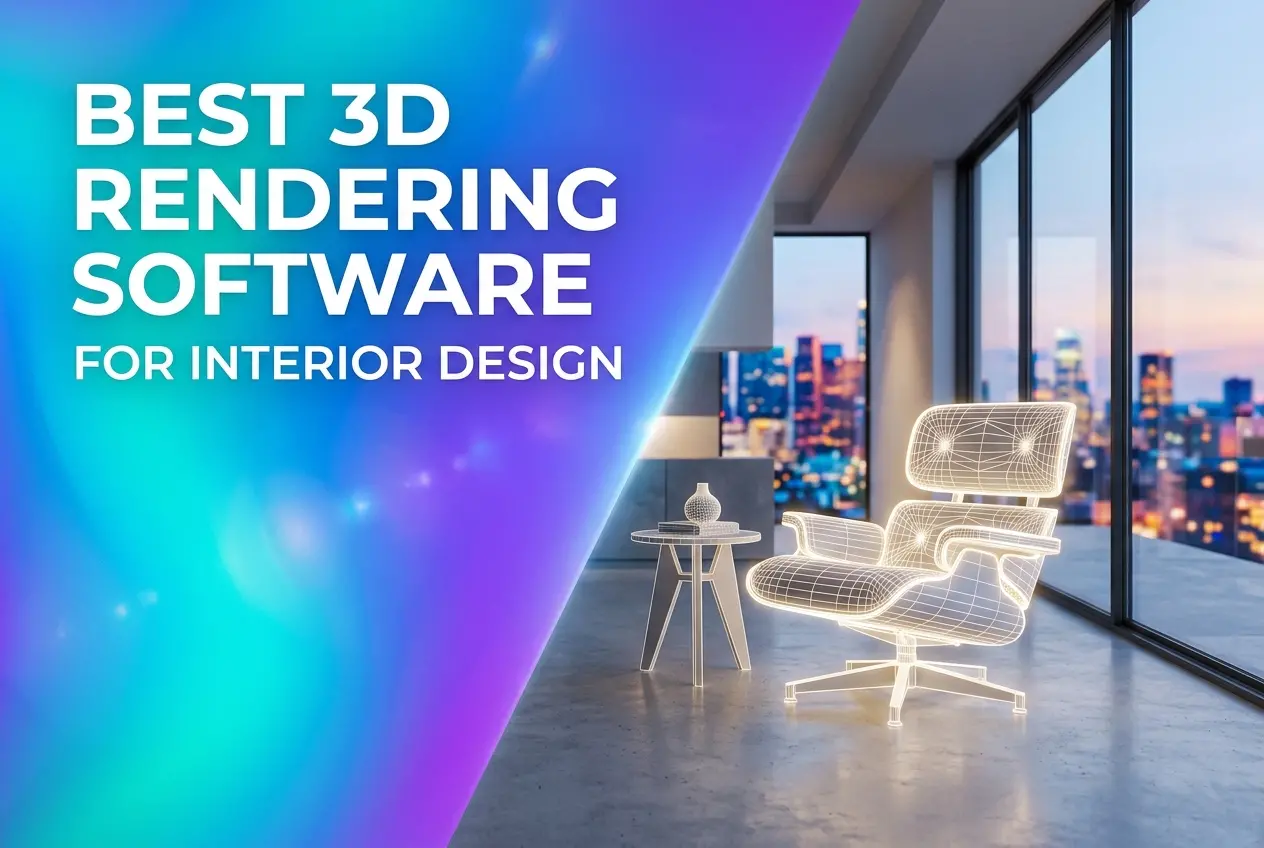
Picking the Best 3D Rendering Software for Interior Design sounds like it should have one clean answer. It doesn’t. The right tool depends on whether you’re producing a single hero image for a client pitch, a full walkthrough animation, or a library of catalogue shots for a furniture brand. We use several of these tools every week in our studio, and none of them wins every job.
This guide breaks down the packages that matter, what each one does well, where each one falls short, and how to decide between learning software yourself and handing the work to a studio. If you’re an interior designer, architect, or product seller trying to figure out where to spend your time and money, read on.
What Actually Makes Rendering Software “Good” for Interiors
Interiors are harder to render than exteriors. Light bounces around a closed space, so global illumination quality matters far more. Materials sit close to the camera, so a fabric that looks fine at a distance falls apart when you see the weave. Reflections on polished stone, glass, and brushed metal expose every shortcut the engine takes.
When we evaluate software for an interior project, we look at five things:
- Light accuracy: how convincingly the engine handles indirect light, soft shadows, and mixed daylight with artificial sources.
- Material control: displacement, subsurface scattering for curtains and lampshades, and layered finishes like lacquer over wood.
- Asset handling: how well it manages heavy scenes full of furniture, plants, and decor.
- Workflow fit: whether it connects to the CAD or BIM tool you already use.
- Learning curve: how long before your output looks professional rather than “software default”.
The Main Contenders
3ds Max with V-Ray or Corona
This is the combination most professional interior studios settle on, ours included. 3ds Max gives you deep modelling and scene control, and V-Ray or Corona gives you physically accurate lighting. Corona is especially friendly for interiors because its interface is simple and its results look natural without a lot of tweaking. V-Ray offers more control for complex production work, animation, and large scenes.
The downside is the learning curve and cost. Max is Windows-only, and getting from “it renders” to “it looks photographic” takes real practice with lighting, camera settings, and material building.
Blender with Cycles
Blender is free, and Cycles is a genuinely capable path-tracing engine. Plenty of independent artists produce excellent interior work with it. Its modelling tools are strong, and the community supplies a huge amount of learning material.
The weak spot is interior-specific workflow. Importing CAD data from architects can be messy, and asset libraries geared toward interiors are less standardized than those for Max. It’s a great option if you have time to learn and flexible pipelines.
SketchUp with Enscape, Twinmotion, or V-Ray
SketchUp is where many interior designers start, because modelling a room in it is quick and intuitive. Pair it with a render plugin and you get fast visuals directly from your design file. Enscape and Twinmotion in particular offer near real-time feedback, which is useful when you’re changing finishes live with a client.
The trade-off is ceiling quality. Real-time tools are excellent for design review but usually can’t match the material depth and lighting realism of an offline engine for final marketing images.
Revit with Enscape or V-Ray
If the project begins as a BIM model, rendering from Revit keeps data consistent. It suits architects handling interiors as part of a larger building. For high-end visuals, though, we usually export to Max for better materials and styling.
Unreal Engine and Lumion
Real-time engines excel at interactive walkthroughs and VR. Unreal Engine can produce striking results, but it demands technical skill. Lumion is easier to pick up and fast for presentations. Both are best when the goal is experience and speed, not absolute photographic precision.
Comparison at a Glance
| Software | Best For | Learning Curve | Realism Ceiling |
|---|---|---|---|
| 3ds Max + Corona | Photoreal stills for interiors | Moderate to steep | Very high |
| 3ds Max + V-Ray | Complex scenes, animation | Steep | Very high |
| Blender (Cycles) | Budget-conscious independent work | Moderate to steep | High |
| SketchUp + Enscape | Fast design review | Gentle | Medium to high |
| Revit + Enscape | BIM-led projects | Moderate | Medium to high |
| Lumion / Twinmotion | Walkthroughs, quick presentations | Gentle | Medium to high |
| Unreal Engine | Interactive and VR experiences | Steep | High |
Choosing the Best 3D Rendering Software for Interior Design Projects
Start with the output, not the tool. Ask what the image has to do. A design-development render that helps a client choose between two sofa fabrics has different needs than a magazine-style image for a portfolio or a property listing.
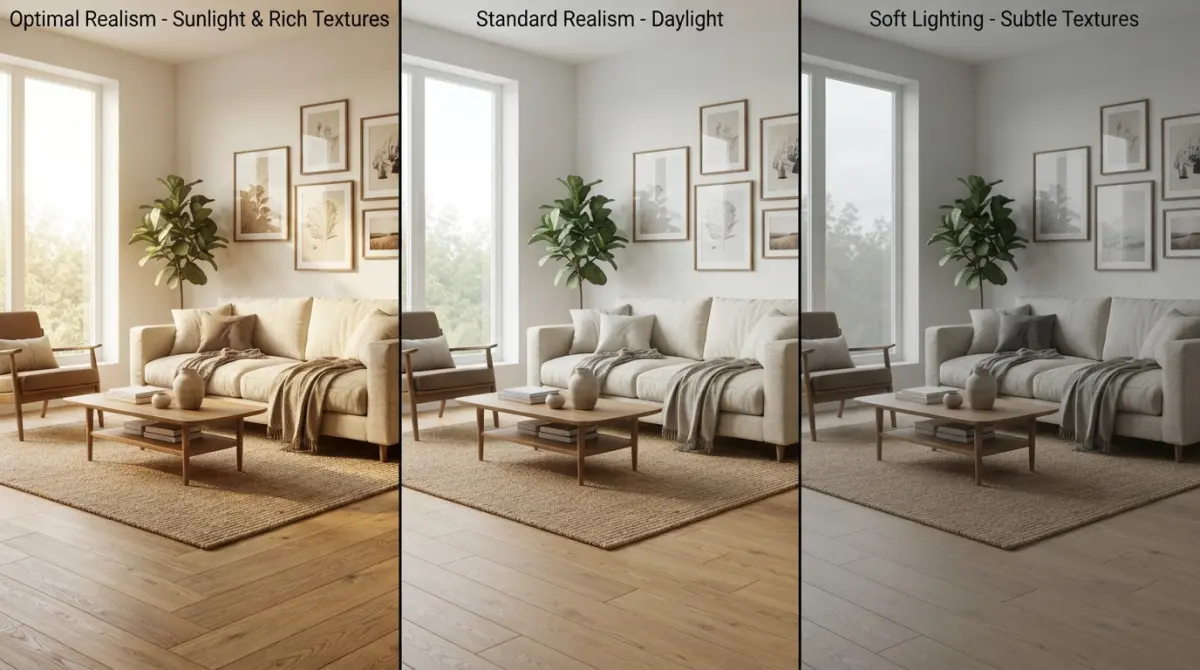
If you’re iterating quickly with clients, real-time tools like Enscape earn their place. If the image is the final deliverable and people will judge your brand by it, an offline engine in Max or Blender gives you more control over the last 10 percent of realism: the soft falloff of light on a wall, the slight imperfection in a leather surface, the way a window blooms against a darker room.
Hardware matters too. Offline rendering is hungry for GPU memory and CPU cores, and a complex living room with dense foliage and many high-resolution textures can choke an ordinary workstation. Real-time engines also want a decent graphics card. Budget for the machine, not just the license.
What Clients Usually Get Wrong
After years of working with designers and brands, a few patterns keep showing up.
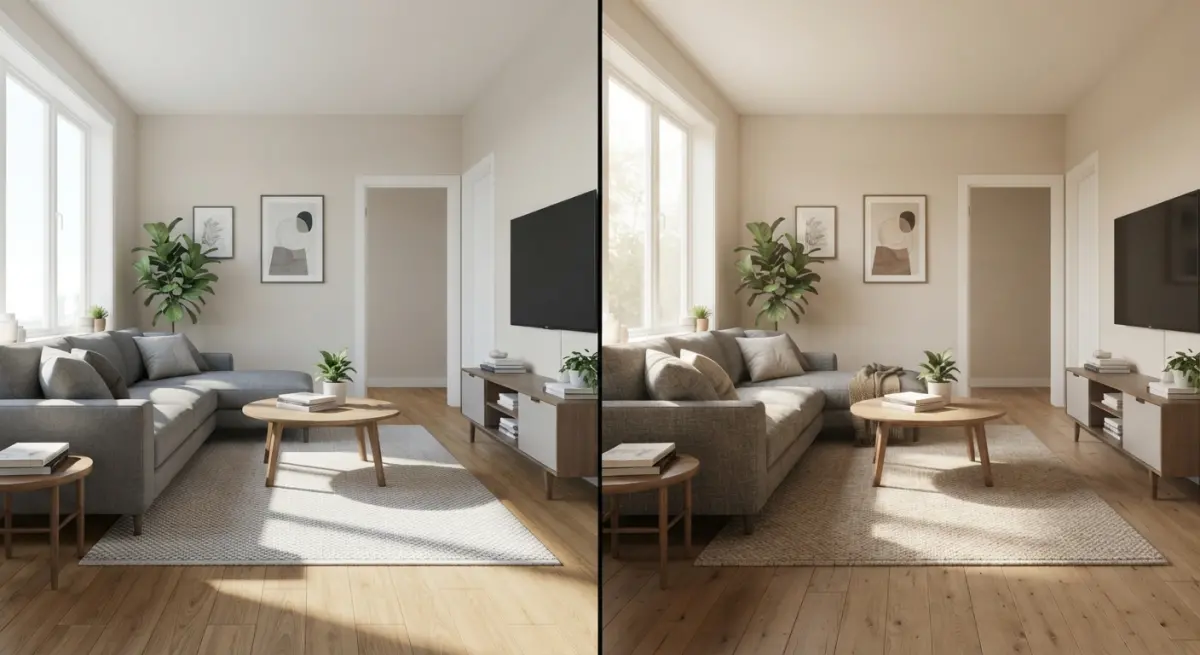
Believing software equals quality. The same scene in the same engine can look flat or stunning depending on the artist. Lighting setup, camera angle, composition, and styling do most of the work. A skilled artist with a modest tool beats a beginner with the most expensive one.
Ignoring the model’s quality. Perfectly sharp edges are a giveaway of CG. Real furniture has tiny bevels that catch light. Software can’t add that care for you.
Using stock assets without adjusting them. Dropping in default library furniture makes every interior look like every other interior. Customizing materials, scale, and placement is what makes a space feel lived in.
Underestimating the time to learn. Many designers buy a license expecting results in a weekend. Getting reliably photographic interiors usually takes months of focused practice, and that’s time taken away from actual design work.
Skipping reference. We always work from photographs of real spaces and real materials. If you can’t describe how light behaves in a room, the render won’t capture it either.
Software Yourself or Hire a Studio?
There’s a sensible split many designers adopt. Use a real-time tool in-house for concept work and client conversations, where speed matters and perfection doesn’t. Then bring in a specialist when the image has to sell, whether that’s a pitch deck, a developer presentation, or marketing material for a finished project.
That approach saves you from maintaining expensive hardware and a full skill set for work that only comes up occasionally. It also means the final visuals are made by someone who renders every day and knows where each engine’s limits are.
Final Thoughts
There isn’t a single winner, but there are clear patterns. For top-tier photorealism, 3ds Max with Corona or V-Ray remains the studio standard. Blender is a serious free alternative. SketchUp and Revit paired with Enscape are ideal for quick design feedback. Unreal and Lumion shine when interactivity matters.
If you’d rather skip the learning curve and get photoreal visuals that do justice to your design, take a look at our 3D interior rendering services, or get in touch with our team to talk through your project.
Frequently Asked Questions
What is the best 3D rendering software for beginners in interior design?
SketchUp paired with a rendering plugin like Enscape or V-Ray is widely considered the most beginner-friendly option thanks to its intuitive modeling tools and gentle learning curve. Planner 5D and Sweet Home 3D are also good free or low-cost starting points for simple room layouts. Most offer free trials, so you can test the workflow before committing.
Is Lumion or Enscape better for interior design visualization?
Enscape is better for real-time rendering and fast design iteration because it runs as a live plugin inside Revit, SketchUp, Archicad, and Rhino. Lumion offers a larger built-in library of assets, effects, and cinematic animation tools, which suits polished presentations. If your priority is speed and workflow integration, choose Enscape; if you want rich scene styling, choose Lumion.
Which 3D rendering software produces the most photorealistic interior results?
V-Ray, Corona Renderer, and Blender's Cycles engine are the leaders for photorealism, offering accurate lighting, materials, and global illumination. Corona is especially praised for ease of use in interiors, while V-Ray provides deeper control and wider software compatibility. Blender Cycles delivers comparable quality at no cost, though it requires more setup time.
Is there good free 3D rendering software for interior designers?
Yes, Blender is the most powerful free option, with the Cycles and Eevee render engines capable of professional-quality visuals. Other free choices include Sweet Home 3D, SketchUp Free (web-based), and the free tier of Planner 5D. Free tools may have steeper learning curves or fewer built-in assets than paid software, but they work well for portfolios and small projects.
What computer specs do I need to run 3D rendering software for interior design?
For smooth performance, aim for a modern multi-core CPU (such as an AMD Ryzen 7 or Intel i7), at least 32GB of RAM, and a dedicated GPU like an NVIDIA RTX card with 8GB or more of VRAM. GPU-based renderers such as Enscape, Lumion, and D5 Render rely heavily on graphics power, while CPU-based engines like Corona benefit from more cores. An SSD is also recommended to speed up loading and saving large scene files.