When industrial equipment manufacturers or procurement teams come to us asking about evaluating specialized 3D product visualisation services for industrial equipment, the first thing I tell them is this: not all 3D studios are built for this kind of work. A studio that excels at luxury furniture or lifestyle product shots may struggle badly when tasked with rendering a hydraulic press, a conveyor system, or a CNC machining centre. Industrial equipment has its own visual language — tight tolerances, precise geometry, functional credibility — and evaluating whether a studio can actually speak that language requires knowing what to look for before you sign any agreement.
The stakes are real. Industrial equipment is sold to engineers, procurement managers, and technical directors who notice when a weld seam looks wrong or a bolt pattern doesn’t make sense. A render that looks “nice” but is mechanically implausible will cost you credibility, not build it. So let’s walk through exactly how to assess whether a studio is genuinely equipped for this category of work.
Understanding What Makes Industrial Equipment Visualisation Different
Consumer products have a forgiving margin. If a shoe render has slightly idealised proportions, most viewers won’t notice. Industrial equipment doesn’t work that way. A compressor render needs to look like it could actually function. That means believable port placement, logical panel access, accurate fastener sizing, and materials that read as machined steel, cast iron, or powder-coated aluminium — not just grey plastic with a metallic shader slapped on.
The technical demands are also higher on the modelling side. Industrial equipment often involves complex assemblies — multiple interacting components, internal mechanisms, cable routing, hydraulic lines. A capable studio needs to handle CAD-to-render pipelines without destroying the precision of the original geometry. We work with STEP and IGES files routinely, and the ability to clean, retopologise, and optimise that data without losing dimensional accuracy is genuinely a specialised skill.
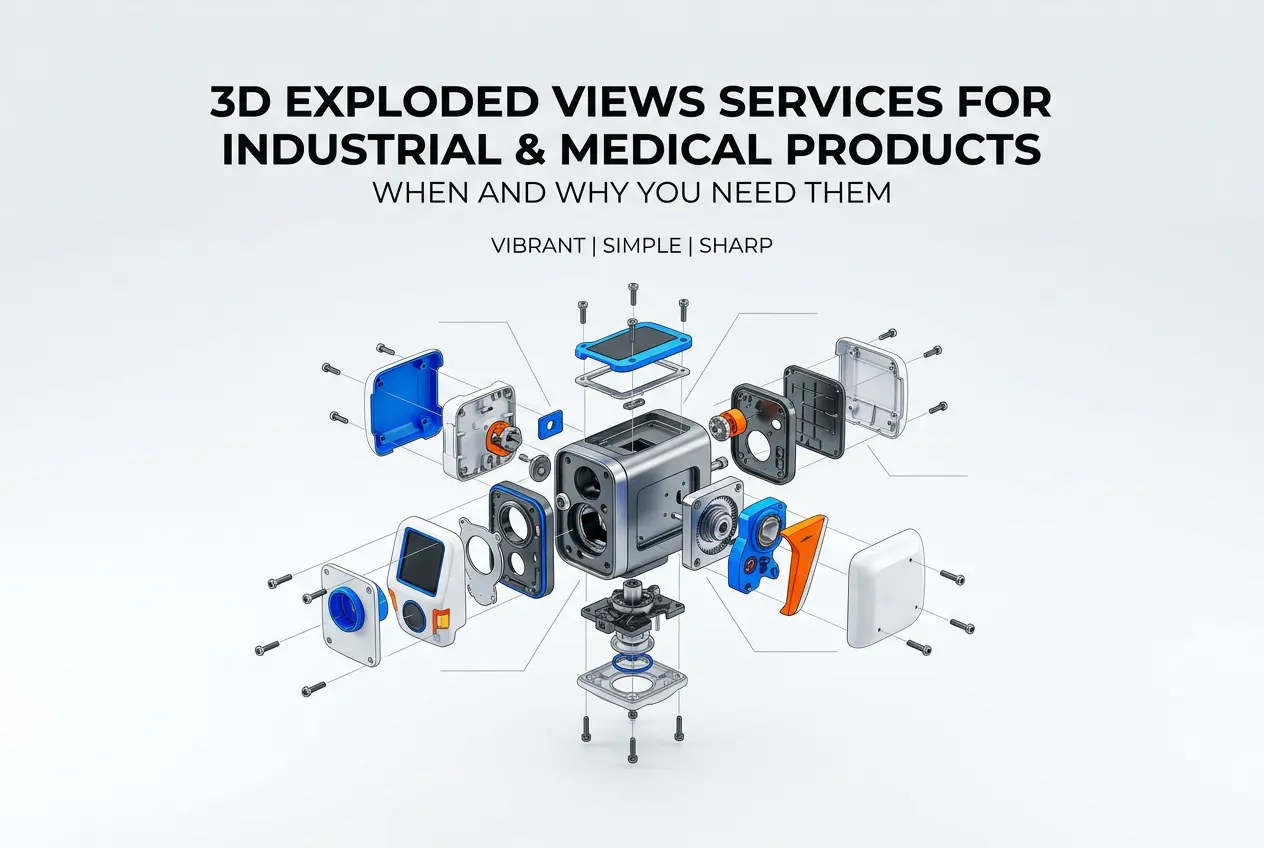
There’s also the matter of context. Industrial renders are frequently used in technical catalogues, trade show materials, exploded assembly diagrams, and e-commerce listings on B2B platforms. Each of those applications has different requirements for camera angles, background treatment, and level of detail. A studio that only knows how to produce hero lifestyle shots won’t naturally think in terms of orthographic exploded views or cutaway sections.
Key Criteria When Evaluating Specialized 3D Product Visualisation Services for Industrial Equipment
1. Portfolio Depth in the Industrial Sector
The most direct signal is the portfolio. Look specifically for industrial or mechanical content — not just technical-looking work, but actual machinery, equipment assemblies, or engineering components. A few things to assess when you look at their samples:
- Material accuracy: Does machined aluminium look different from cast iron? Do rubber seals read as rubber, not plastic?
- Lighting logic: Industrial renders need controlled, neutral lighting that reveals form and surface quality — not dramatic mood lighting borrowed from jewellery photography.
- Mechanical plausibility: Look at joints, fasteners, ports, and edges. Do they make sense to an engineer’s eye?
- Geometry cleanliness: Hard-surface modelling on equipment should show sharp, controlled edges and consistent panel gaps. Soft, mushy edges suggest a team that models organically rather than technically.
If a studio has no industrial work in their portfolio, that’s not automatically disqualifying — but you should ask them directly about their CAD pipeline and request a test render from a sample file before committing.
2. CAD Compatibility and File Handling
This is where a lot of studios quietly fall short. Many 3D generalists work only in software like Blender or Cinema 4D and have limited experience importing and working with native CAD formats. For industrial equipment, your 3D data is almost always coming out of SolidWorks, CATIA, Creo, or Inventor — and the translation from CAD to render-ready mesh involves real technical work.
Ask the studio which file formats they accept. Can they work with STEP, IGES, or OBJ exports from your engineering software? How do they handle tessellation quality — the conversion of CAD surfaces into polygonal meshes? Poor tessellation produces faceted, low-quality geometry that no amount of lighting can fix. A competent industrial visualisation team will control tessellation settings per component, applying finer resolution to visible curved surfaces and coarser settings to hidden geometry.
Also ask about assembly management. Industrial equipment often arrives as hundreds of individual components. A studio needs a structured approach to organising, naming, and managing that hierarchy — otherwise the scene becomes unmanageable and revisions become expensive.
3. Render Engine and Technical Capability
Different render engines suit different needs. For photorealistic industrial imagery, physically-based rendering (PBR) engines like V-Ray, KeyShot, or Arnold are appropriate choices. KeyShot in particular has a strong track record in product and industrial visualisation because of its material library depth and its native CAD import tools.
Ask which renderer the studio uses and why. A confident technical team will have a clear answer grounded in workflow logic, not just brand preference. Also ask about their approach to:
| Technical Requirement | What to Ask | Why It Matters |
|---|---|---|
| Material shaders | Do you build custom PBR materials or use presets? | Custom materials match your actual surface finishes accurately |
| HDRI lighting | How do you approach studio vs. environmental lighting? | Affects perceived material quality and product context |
| Render resolution | What output resolution is standard for print vs. web? | Catalogue print needs 300 DPI minimum at full size |
| Cutaway/exploded views | Have you produced technical cross-sections or assembly breakdowns? | Common requirement in industrial documentation and sales |
| Animation capability | Can you animate mechanism operation or assembly sequences? | Increasingly requested for trade shows and product launches |
Practical Observations: What Clients Often Get Wrong
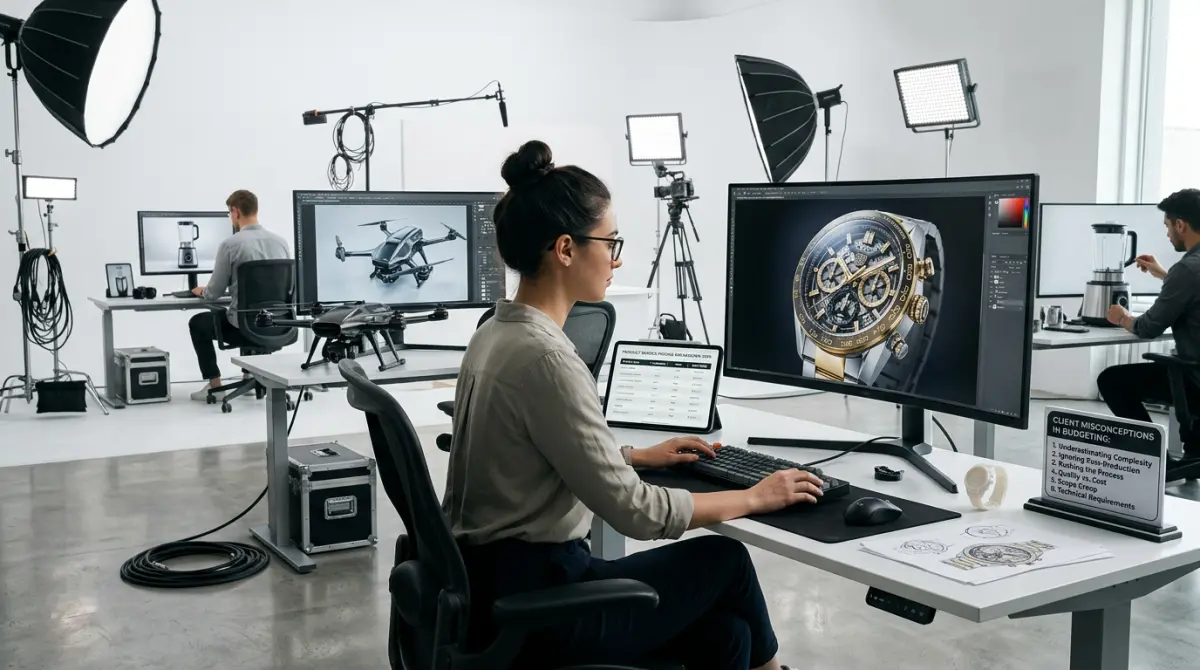
A client came to us after a frustrating experience with a generalist studio — the renders looked polished superficially but were technically wrong in ways that their engineering team immediately flagged. Thread profiles were decorative rather than accurate. Surface finishes were uniform across every component when the actual product had machined, painted, and anodised parts mixed together. The renders were beautiful in a lifestyle sense, but completely unsuitable for a technical catalogue or a sales conversation with engineers.
The most common mistake is evaluating studios based on general visual quality rather than technical accuracy specific to industrial work. Photorealism in a residential interior render requires completely different skills than photorealism in a gear assembly render. The lighting logic, the material behaviour, the geometric precision — these are different disciplines.
Another frequent issue: clients provide incomplete or unclean CAD data and expect the studio to figure it out. Good studios will flag this upfront and manage it, but not all do. Before engaging a studio, audit your own CAD files. Are there missing components? Internal geometry that was never modelled because it wasn’t needed for engineering? Labels, branding, or warning plates that exist only as stickers on the physical product? All of this needs either to be modelled or discussed as a scope item.
Some clients also underestimate turnaround time for complex assemblies. A single hero render of a large industrial machine — properly modelled, textured, lit, and composited — is a multi-day project at minimum. Rushing this produces exactly the kind of technically weak output that damages rather than builds product credibility.
Questions to Ask Before Hiring a Studio
After years of working with industrial clients across manufacturing, engineering, and capital equipment sectors, these are the questions that actually separate capable studios from ones that will struggle:
- Show me three examples of hard-surface industrial renders you’ve produced from CAD data. Not just mechanical-looking work — actual machinery or equipment with complex assemblies.
- What formats can you accept, and how do you manage CAD file cleanup and tessellation? A vague answer here is a red flag.
- How do you handle confidential CAD data? For industrial equipment, IP protection matters. A professional studio will have a clear NDA policy.
- What does your revision process look like, and how are revision rounds scoped? Complex industrial scenes often require iterative feedback on material finishes, camera angles, and detail accuracy.
- Can you produce cutaway and exploded views from the same scene data? This is a significant time saver if you need both types of imagery for a product launch.
The Role of Specialisation vs. Generalism
There’s an honest argument for working with a studio that has a broad portfolio — they bring diverse visual thinking. But for industrial equipment specifically, specialisation matters more than variety. The technical pipeline for industrial work is distinct enough that studios without regular experience in it will have a learning curve that you’ll pay for in time, revisions, and ultimately quality.
At our studio, we’ve built a dedicated workflow for industrial and product visualisation that covers CAD import, assembly management, custom material development, and technical documentation output. It’s a different workflow from architectural visualisation, and we treat it as such. When you’re evaluating specialized 3D product visualisation services for industrial equipment, look for that same level of intentional specialisation — studios that have thought carefully about this category and built processes around it.
The best signal is confidence with technical questions. A team that has genuinely worked in this space will answer questions about file formats, material accuracy, and mechanical plausibility without hesitation. Vague answers about “our experienced team” or “high-quality output” without specifics should prompt follow-up questions.
Conclusion
Industrial equipment visualisation is a niche that rewards technical rigour. A well-executed render of a complex machine is a genuine sales and marketing asset — it can communicate function, quality, and scale to buyers who may never see the physical product before making a purchasing decision. But achieving that requires working with a studio that understands CAD pipelines, hard-surface shading, mechanical plausibility, and the specific output requirements of technical documentation and B2B sales materials.
If you’re ready to discuss a project — whether it’s a single hero render, a full product catalogue, or an animated assembly sequence — our team at 360render.com has the technical background and the industrial workflow to deliver it accurately. Get in touch with us here and let’s talk through what your project actually needs.
Frequently Asked Questions
What should I look for when evaluating a 3D product visualisation service for industrial equipment?
Prioritise vendors with proven experience in technical industrial assets, including accurate mechanical detail and material rendering. Also verify they can handle complex CAD file formats like STEP, IGES, or SolidWorks natively.
How much does specialised 3D visualisation for industrial equipment typically cost?
Costs vary widely from $500 to over $10,000 per asset depending on complexity, detail level, and animation requirements. Request itemised quotes and compare deliverable scope rather than headline price alone.
How long does it take to produce a high-quality 3D visualisation of industrial equipment?
A standard static render typically takes 1–3 weeks, while fully animated or interactive models can require 4–8 weeks or more. Turnaround depends on model complexity, revision cycles, and source data quality.
Can 3D visualisation services work directly from my existing CAD files for industrial equipment?
Most specialised services accept standard CAD formats and convert them into optimised visualisation-ready models. Always confirm file compatibility upfront and ask whether data cleaning or retopology is included in the quoted price.