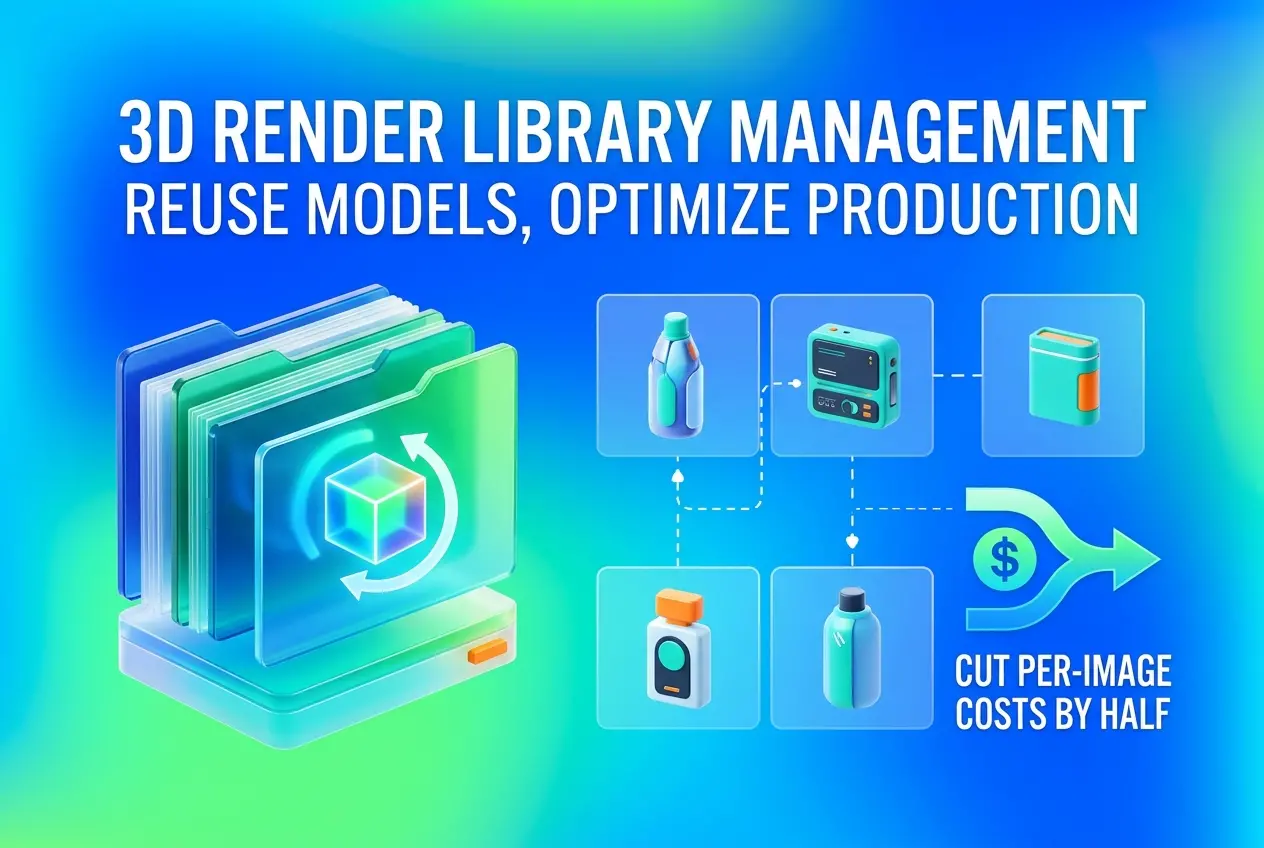
Every season, a brand launches a new collection, and every season someone asks the same question: why are we paying to model the same chair again? If you’ve shipped a product line for more than a year, you probably have a folder of old 3D files somewhere, half-labeled, built in a software version nobody uses. That’s the gap this post is about. 3D Render Library Management: How to Reuse Product Models Across Seasons and Cut Per-Image Costs by Half is less a slogan than a workflow decision. The expensive part of a product render is almost never the image. It’s the model, the materials, and the setup behind it.
When those assets are built once, organized properly, and stored where your team can find them, the next season costs a fraction of the first. When they aren’t, you pay for modeling again and again. Below is how we think about library structure, what to reuse, what to rebuild, and where clients usually trip up.
Why Per-Image Cost Is Really a Model Cost Problem
A single product image combines several pieces of work: modeling the product, building materials, setting up lighting and camera, composing the scene, rendering, and retouching. Of those, modeling and material development are the heaviest and the least visible to the buyer. They’re also the most reusable.
Think about a sofa that returns in three new fabrics next spring. The geometry hasn’t changed. The stitching, the leg profile, the cushion sag are identical. If we have the clean model and a tuned fabric shader, the new season is a material swap, a lighting check, and a render. If we have only last year’s JPGs, we model from scratch. The client pays twice for the same sofa.
That’s where the savings come from. You aren’t getting a discount on the render. You’re removing a line item that no longer needs to exist.
What a Reusable Model Actually Looks Like
Not every 3D file is a library asset. Plenty of models are built to survive one camera angle. We call those “hero-shot hacks”: hidden geometry, faked back sides, textures baked to a single lighting setup. They look fine in the original image and fall apart the moment you rotate the camera.
A model worth archiving has these qualities:
- Complete geometry. Every side is modeled, including undersides and interior spaces, so it can be shot from any angle later.
- Clean topology. Sensible polygon flow, no stray vertices, bevels where real edges are rounded. Bevels catch light, and that’s what makes a product read as real.
- Real-world scale. Modeled in actual units so it drops into any scene without resizing.
- Separated parts. Fabric, wood, metal, and hardware as distinct objects with distinct material slots, so any one can be changed independently.
- Procedural or layered materials. Color, finish, and pattern as swappable inputs rather than a single flattened texture.
If you’re commissioning a model with reuse in mind, say so at the brief stage. A model built for a single image and a model built for a library can look identical in the final render and cost very differently to build. The second is worth the extra effort.
Structuring the Library: Folders, Naming, and Versions
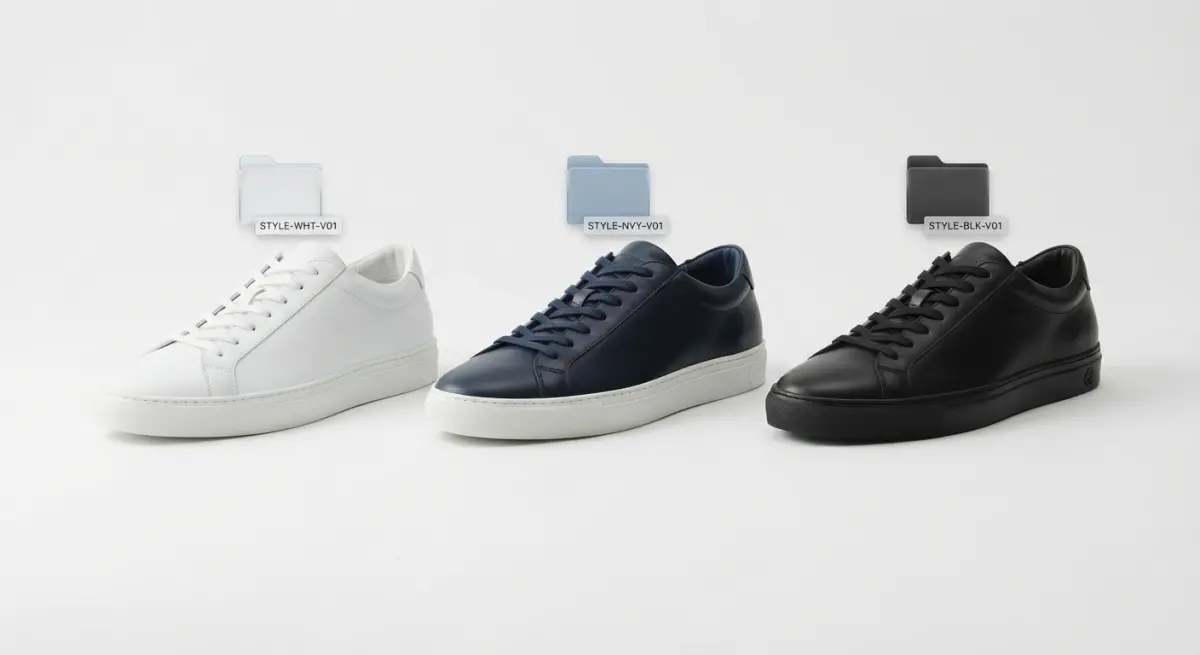
Good assets in a bad structure are still lost assets. We’ve opened client archives containing “final_v2_REAL_final.max” next to “final_v3.max” with no way to tell which matches the product that shipped. Avoid that early.
A Practical Folder Logic
Organize by product, not by season or by project. A season is a use of the asset, not a property of it. A typical structure looks like this:
| Level | Contents | Why it matters |
|---|---|---|
| Product / SKU family | One folder per product, named by your internal SKU or code | Matches your catalog, so anyone can find it |
| Model | Master model in native format plus neutral exports (FBX, OBJ, USD or glTF) | Protects you from software lock-in |
| Materials | Shader files, texture maps, fabric and finish swatches | Enables fast colorway changes |
| Variants | Size options, configurations, discontinued versions | Keeps edits traceable |
| Approved renders | Final images and reference photos | Gives a visual benchmark for future matching |
| Notes | Short text file: units, rendering engine, known quirks | Saves the next artist an hour of guessing |
Naming should be boring and consistent: product code, descriptor, version. Never overwrite a master. When a product changes, save a new version and note what changed and why.
Reuse in Practice: Colorways, Refreshes, and Scene Changes
Most seasonal updates fall into three categories, and each has a different cost profile.
Colorway or finish changes. This is the cheapest. The geometry stays, materials change. If shaders were built with swappable inputs, it’s mostly a matter of loading new textures and checking how they react to light. Glossy finishes and metallics need more testing than matte fabrics, because reflections reveal inconsistencies quickly.
Minor design revisions. A new handle, a different stitching pattern, a slimmer base. We edit the existing model rather than start over. This is where clean, separated parts pay off, since we can replace one component without touching the rest.
New scenes for the same product. Lifestyle imagery changes each season even when the product doesn’t. Because the product asset is finished, effort goes into the environment: props, lighting mood, camera. If you also reuse environment assets like a living room shell or studio set, the savings compound. Our 3D product rendering services are often set up exactly this way for brands with recurring collections.
What Clients Get Wrong (and What Actually Works)

After enough years of inheriting other people’s files, patterns show up.
- Assuming you own the files. Many clients never asked for the source models. They received images only, so the asset lives on a vendor’s hard drive. Settle ownership and delivery of source files before the first project, not after you change vendors.
- Saving only the native file. A scene saved in one software version, with plugins that no longer exist, may not open in two years. Always keep a neutral export alongside it.
- Skipping reference photography. A model matched to the physical sample is accurate. A model matched to a CAD file often isn’t, because production changes happen after CAD is signed off. Keep a photo or physical reference with the asset.
- Ignoring lighting consistency. You can reuse a model perfectly and still produce a catalog that looks stitched together if lighting and camera setups drift. We keep lighting rigs as part of the library so a product from last year sits comfortably beside one from this year.
- Treating the library as an archive. A library is something you use. Review it before each season, flag what’s retiring, and mark what needs updating.
What works is dull but reliable: a short handover checklist at the end of every project, one person responsible for the library, and a habit of checking it before commissioning anything new.
Beyond Stills: Getting More From the Same Asset
A well-built model isn’t limited to catalog stills. The same geometry can feed animation, configurators, and AR viewers, provided it was built clean and with sensible polygon counts. A heavy hero model may need an optimized version for real-time use, but that’s a derivative of the master, not a new build. If you’re planning video content or interactive viewers, our 3D product animation services can work from the same library you’ve already paid for.
Start Building Yours Before the Next Season Starts
You don’t need to organize everything at once. Begin with your top sellers and anything with a confirmed return next season. Audit what you have, confirm you hold the source files, and flag models that need rebuilding to a reusable standard. From there, every new project adds to the library instead of being a one-off expense.
That’s the real mechanism behind 3D Render Library Management: How to Reuse Product Models Across Seasons and Cut Per-Image Costs by Half. The money isn’t saved by rendering faster. It’s saved by never paying for the same model twice.
If you’d like us to review your existing files, build new products to library standards, or set up a structure your team can maintain, get in touch with our team and we’ll talk through what you already have and where reuse will save the most.
Frequently Asked Questions
How do I organize a 3D render library so product models can be reused across seasons?
Use a consistent folder and naming structure that separates base assets (geometry, UV maps, PBR materials) from season-specific elements (colorways, lighting rigs, backgrounds). Add version numbers and metadata tags like SKU, material type, and approval status so artists can find and verify the right file quickly. Store everything in a centralized DAM or cloud repository with access controls to prevent duplicate or outdated models.
What file formats are best for storing reusable 3D product models long term?
Keep a layered approach: a native source file (Blender, 3ds Max, or Maya) for editing, plus neutral formats like FBX, OBJ, or USD for cross-software compatibility. Use glTF/GLB for web and AR delivery since it packages geometry and textures efficiently. Archiving both source and neutral formats protects you from software version changes and licensing shifts.
How much can reusing 3D models actually reduce per-image rendering costs?
Most of the cost in a 3D project comes from modeling and texturing, which can account for 50-70% of the first image's price. Once a model is built and approved, new seasons typically only require material swaps, new scenes, and rendering, which is how brands often cut per-image costs by around half or more. Savings grow with each additional use, especially for products with many colorways or minor yearly updates.
How do I update an existing 3D model for a new season without rebuilding it?
Duplicate the approved master model and make changes only to the parts that differ, such as swapping textures, adjusting trim, or modifying small geometry details. Use a modular setup with swappable materials and components so colorways and variants can be generated through simple parameter changes. Log each revision in version control so you can always roll back to the original approved version.
What tools help manage and scale a 3D asset library for e-commerce and marketing teams?
Digital asset management platforms like Bynder, Adobe Experience Manager Assets, or Frame.io-style cloud storage handle tagging, search, and permissions, while Git-LFS or Perforce can manage versioning for large 3D files. Pairing these with a material library (such as Substance 3D Assets) and automated render pipelines keeps output consistent. Choose tools that integrate with your PIM so models stay linked to the correct SKUs and product data.