If you sell on Amazon — or you’re planning to — understanding Amazon Product Rendering Requirements in 2026: Image Specs, White Background Rules and What CGI Can Legally Do isn’t optional anymore. It’s the difference between listings that convert and listings that get suppressed. I’ve worked with product sellers, brand managers, and e-commerce teams across multiple categories, and the confusion around what’s technically required versus what’s just best practice is still very real. Let me break this down properly, from someone who actually produces these images for a living.
Amazon’s image requirements have been consistent at their core for years, but the nuance around CGI — computer-generated imagery — has become increasingly important as more brands move away from traditional photography. The platform doesn’t distinguish between a photograph and a render as long as the output meets spec. That opens a significant door for product teams who want faster turnarounds, more control over lighting, and the ability to show products that don’t even exist in physical form yet. But it also means you need to know exactly where the lines are.
Amazon Product Rendering Requirements in 2026: The Technical Image Specs You Must Know
Let’s start with the hard numbers. Amazon’s main product image — the hero image — has specific technical requirements that haven’t fundamentally changed, but sellers still get them wrong regularly.
| Requirement | Specification |
|---|---|
| Minimum image size | 1000 pixels on the longest side |
| Recommended size | 2000+ pixels on the longest side (enables zoom) |
| Maximum image size | 10,000 pixels on the longest side |
| File formats accepted | JPEG, PNG, GIF, TIFF |
| Preferred format | JPEG (smallest file size, consistent rendering) |
| Color mode | sRGB or CMYK |
| Background (hero image) | Pure white — RGB 255, 255, 255 |
| Product fill | At least 85% of the image frame |
That 85% fill rule trips people up constantly. We’ve had clients submit renders where the product sat in the center of a massive canvas, beautifully lit, technically correct white background — and Amazon flagged it because the product only occupied 60% of the frame. The product needs to be close. Fill the frame. Don’t leave generous breathing room thinking it looks elegant; Amazon doesn’t reward that on the hero image.
The zoom feature activates at 1000 pixels, but realistically you want 2000 pixels or more. At 1500 pixels, zoom works but the image quality degrades noticeably when a customer expands it. We always output hero images at 2500–3000 pixels wide in our studio. It gives clean zoom behaviour and still keeps file sizes manageable.
The White Background Rule — What It Actually Means for CGI
Pure white means pure white. RGB 255, 255, 255. Not off-white. Not a very light grey. Not a white-ish gradient that looks white on your monitor. Amazon’s systems can detect this, and listings get suppressed for backgrounds that fall just outside the threshold.
For photographers, this is sometimes achieved in post — shoot on a white sweep, then colour-correct the background in Photoshop until it’s pure white. For us in CGI, it’s actually more controllable. We set the background to pure white in the render environment itself, which means no ambiguous gradients, no light spill creating off-white edges. When done correctly, a 3D render can be more reliably white than a photograph.
The catch is shadow handling. Amazon allows subtle drop shadows, contact shadows, and cast shadows as long as the overall background reads as white. What you can’t have is a coloured backdrop, a lifestyle environment, gradients, or props on the hero image. The product, on white, centred, filling 85% of the frame. That’s it.
One mistake we see often: clients who want a slight shadow under the product — which is fine and actually improves perceived grounding — but push the shadow too dark or too large. If the shadow area pulls your background average below the threshold Amazon’s systems check against, you risk a flag. Keep shadows light, soft, and contained directly under the product.
Secondary Images: Where CGI Gets Interesting
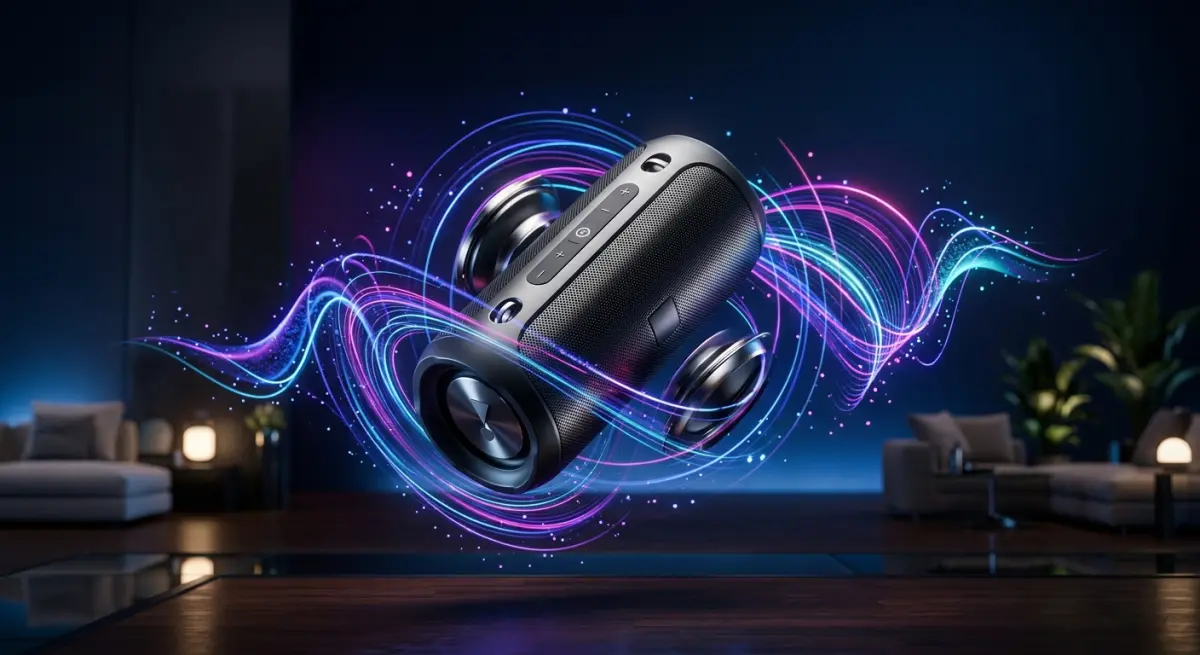
Amazon allows up to nine images per listing, and only the first — the hero — has the strict white background requirement. The remaining eight are essentially yours to use as you see fit, within Amazon’s content policies. This is where product 3D rendering really earns its keep.
Secondary images can show the product in use, in a lifestyle setting, with infographic overlays, exploded views, cutaway sections, detail close-ups, scale references, and more. For physical products, getting all of this from traditional photography requires multiple shoots, sets, and sometimes props that don’t exist yet. With CGI, you can produce all nine images from a single 3D model in a single production pipeline.
We regularly produce full nine-image sets for product listings where the physical product is still in manufacturing. The client gets Amazon-ready images before the first unit ships. For launch timing, that’s enormous. It means the listing goes live the day inventory arrives, not weeks later after a photo shoot is organised.
What CGI Can Legally Do on Amazon — and What It Can’t
Amazon’s policies don’t prohibit CGI. Full stop. A render that meets the technical specifications is treated identically to a photograph. This is confirmed in Amazon’s own seller guidelines, which describe image requirements in terms of output specifications, not capture method.
What CGI can legally do on Amazon:
- Serve as the hero image on a pure white background
- Show the product from any angle, including angles impossible to photograph
- Display transparent materials, liquids, reflective surfaces with consistent clarity
- Show the product in lifestyle scenes for secondary images
- Represent products in colours or variants that don’t yet exist physically
- Show internal components through cutaway or exploded views
- Depict scale by placing the product alongside recognisable reference objects
What CGI cannot do — and this is where sellers sometimes get into trouble — is misrepresent the actual product. If your physical product is matte black and you submit a render showing it as glossy silver, that’s not a CGI problem, that’s a misrepresentation problem. Amazon’s policies around image accuracy apply equally to photography and rendering. The image must accurately represent what the customer will receive.
This comes up most often with colour variants. We’ve had brands ask us to render a product in fifteen colour options when only three are actually available. Using renders that show unavailable configurations on live listings is a policy violation — not because they’re renders, but because they’re inaccurate. The medium is fine. The accuracy is the legal question.
Colour Accuracy and Calibration — A Practical Note
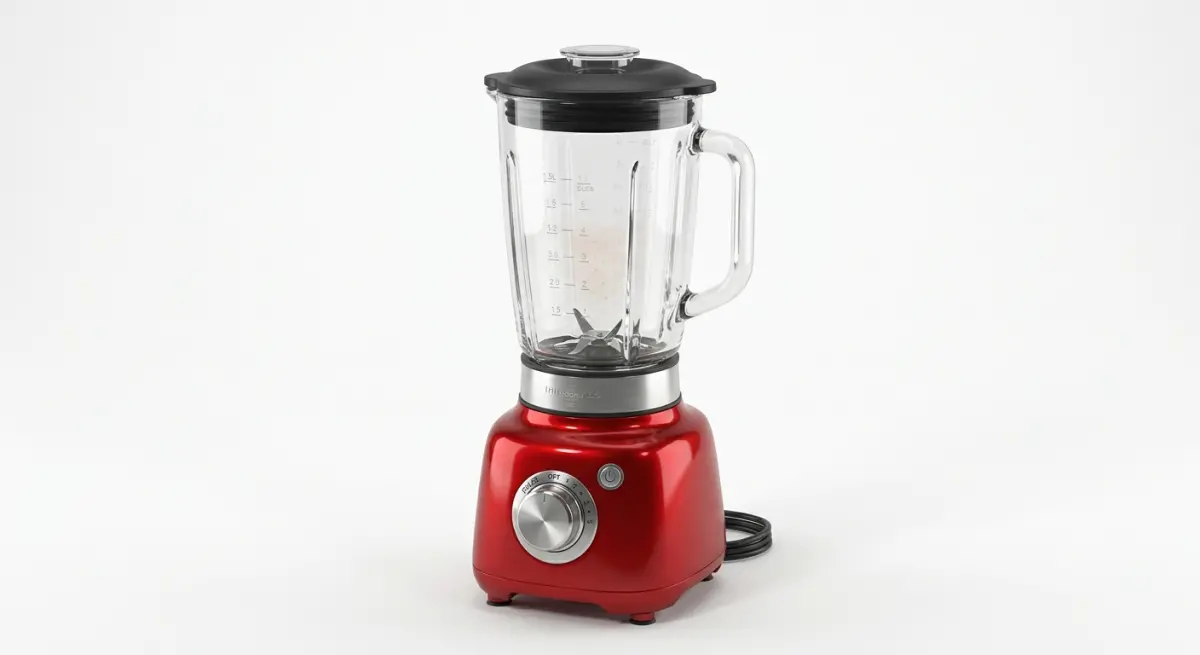
One area where CGI listings sometimes get customer complaints isn’t policy-related — it’s a colour management issue. A render might look perfect on a calibrated studio monitor but display differently on a standard customer screen. This is sRGB versus wide-gamut colour space territory.
Amazon accepts both sRGB and CMYK, but for on-screen listings, sRGB is the correct output colour space. Any render exported in a wide-gamut format without conversion will appear oversaturated on most consumer displays. We always export Amazon-bound images as sRGB JPEGs, confirmed with a colour space tag embedded in the file. It’s a small step that prevents a common problem.
Physical product samples should always be referenced during the render process. We use manufacturer-supplied colour swatches or Pantone references to calibrate material colours in the render. The goal isn’t to make the product look its best — it’s to make it look accurate. There’s an important difference.
Video and 360-Degree Renders: The Expanding Amazon Spec
Amazon now supports video in product listings and 360-degree spin images in certain categories. Both can be produced entirely in CGI, and both are increasingly common in competitive product categories.
For video, Amazon accepts MP4 and MOV formats up to 500MB, with an aspect ratio of 16:9 preferred for most placements. Resolution at 1920×1080 is standard. Animated product renders — showing assembly, function, or material quality — can be produced without any physical sample. For products like furniture, electronics, or packaging, this is particularly practical.
The 360-degree spin feature typically requires a sequence of still images captured at consistent angular intervals around the product — usually 24 to 72 frames depending on smoothness required. In CGI, we set the camera orbit in the 3D environment and render each frame identically except for the camera angle. Consistency between frames is perfect by default. No lighting variation, no background shifts — things that are genuinely difficult to achieve in a physical turntable photography setup.
What Clients Get Wrong — Real Observations from Production
After producing hundreds of Amazon-compliant renders, certain mistakes come up repeatedly on the client side. Not because clients are careless — because the specifications read simply but the execution has real technical depth.
Sending low-resolution reference files. If the only reference we have for a product is a 600-pixel JPEG from a product brochure, the geometry we model will be approximate at best. Good renders start with good references: technical drawings, physical samples, or high-resolution design files. The more accurate the input, the more accurate the output.
Approving renders on uncalibrated screens. We send renders for approval and clients view them on a laptop in a bright office. Colours look wrong, they request corrections, we make them — and then the corrected version looks wrong on a calibrated screen. We now ask clients to view approval images in a consistent environment, or at minimum to compare against a known reference.
Expecting hero and lifestyle in a single image. This is Amazon policy, not a rendering limitation. The hero must be white background only. Some clients ask us to compose a beautiful environmental hero image, not realising it’ll immediately fail Amazon’s main image requirement. Secondary images handle the lifestyle work.
Leaving insufficient time for revisions. A first render is rarely the final render. Materials, lighting, angle, proportions — these are all refined through the revision process. Clients who plan for a one-week turnaround from brief to listing often don’t account for two to three rounds of revision. Realistically, allow three weeks for a complete Amazon image set.
Working With a Rendering Studio for Amazon Listings
If you’re planning to use CGI for your Amazon product listings — whether for a single hero image or a full nine-image set — the brief you provide matters as much as the studio you choose. Clear product references, defined colour specifications, and an understanding of which images serve which purpose in the listing structure will directly affect the quality and speed of the output.
At 360render.com, we work with product sellers at every scale, from individual brand founders launching on Amazon to multi-category e-commerce operations managing hundreds of SKUs. The process is the same: accurate model, calibrated materials, Amazon-compliant output specifications, and revision rounds until the image is right.
If you’re ready to produce Amazon-compliant product renders — or you just want to talk through what your specific product category requires — get in touch with our team and we’ll walk you through the process from brief to final file.
Frequently Asked Questions
What are Amazon's image size and resolution requirements for product listings in 2026?
Amazon requires product images to be at least 1000 pixels on the longest side, with a maximum of 10,000 pixels, to enable the zoom function that improves conversion rates. The preferred file formats are JPEG, TIFF, PNG, and GIF, with JPEG being the most widely recommended for its balance of quality and file size. Images must be 72 DPI or higher, though uploading at 300 DPI is advised for future-proofing across high-resolution devices.
Does Amazon still require a pure white background for main product images in 2026?
Yes, Amazon continues to mandate that the main product image (MAIN) must have a pure white background with an RGB value of 255, 255, 255, which ensures visual consistency across search results and category pages. The product itself must occupy at least 85% of the image frame, with no additional text, logos, watermarks, or lifestyle elements included in this primary shot. Failure to comply with this rule can result in listing suppression, meaning your product will not appear in search results until the image is corrected.
Can CGI and 3D rendered images legally be used for Amazon product listings in 2026?
Yes, CGI and photorealistic 3D rendered images are fully permitted on Amazon as long as they accurately represent the actual product and comply with all standard image guidelines, including the white background rule for main images. Amazon does not require images to be traditional photographs, provided the rendering does not misrepresent the product's color, size, features, or materials in a way that could mislead buyers. Sellers using CGI must ensure the rendered product matches exactly what is shipped to customers, as discrepancies can lead to increased return rates and potential account suspension.
What types of lifestyle or enhanced images are allowed in Amazon's secondary image slots in 2026?
Amazon's secondary image slots, sometimes called variant or swatch images, allow much greater creative flexibility, including lifestyle photography, infographics, dimension charts, feature callouts, and CGI-enhanced environmental scenes. These images can include props, backgrounds, text overlays, and contextual settings that help communicate product benefits and use cases to potential buyers. However, all secondary images must still accurately represent the product and cannot include promotional messaging such as 'Best Seller,' pricing information, or references to competitors.
What are the most common reasons Amazon suppresses product listings due to image violations in 2026?
The most frequent causes of image-related listing suppression include main images that do not meet the pure white background standard, images where the product occupies less than 85% of the frame, and the inclusion of watermarks, borders, or seller logos on the main image. Amazon's automated image review system has become increasingly sophisticated, flagging off-white or gray backgrounds that were sometimes accepted in previous years. Sellers should regularly audit their listings using Amazon's Manage Your Inventory tool and correct suppressed images within 48 hours to minimize the impact on sales velocity and organic ranking.