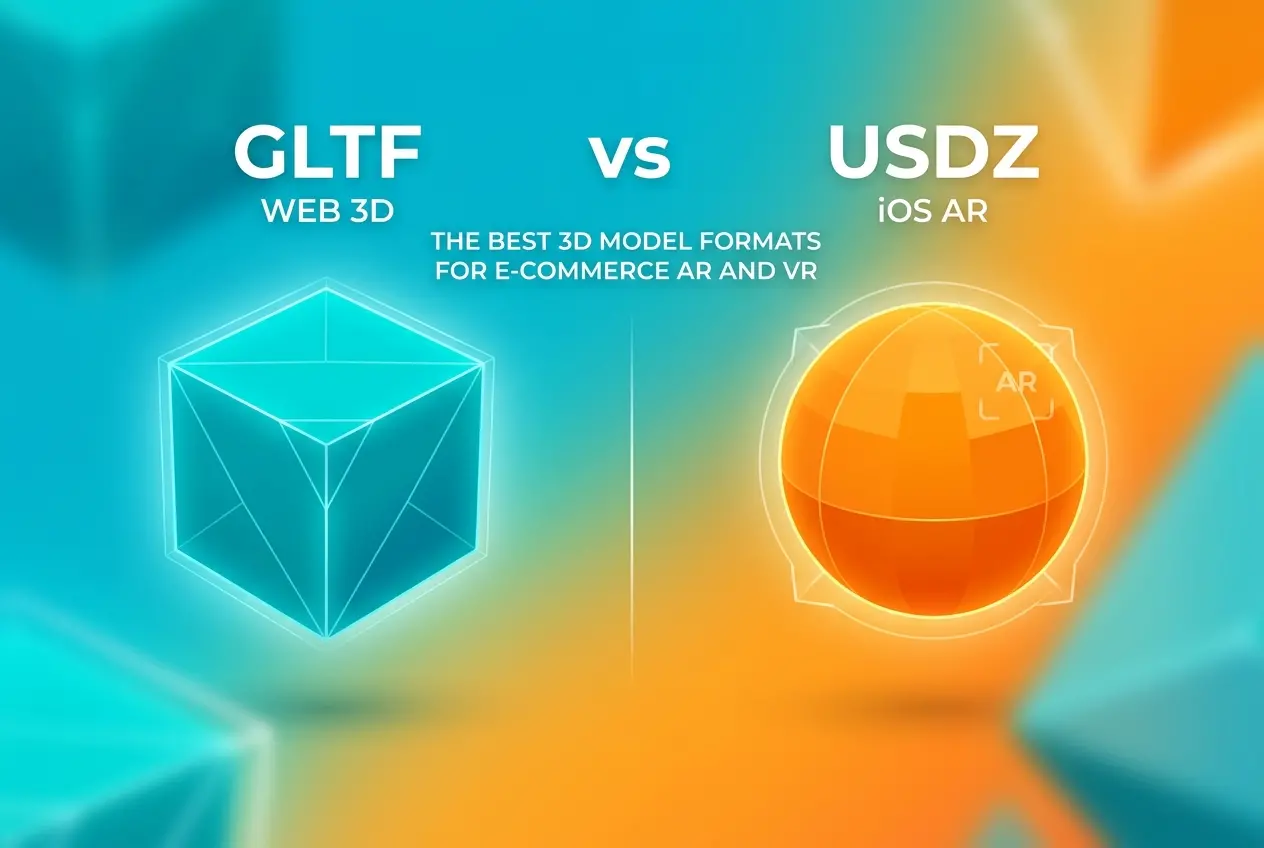
If you’ve ever tried to add a 3D product viewer or AR experience to your online store, you’ve probably run into the question of file formats pretty quickly. And it’s not a small question. The choice between GLTF vs USDZ — the best 3D model formats for e-commerce AR and VR — affects everything from how your product looks on a customer’s phone to whether it even loads at all. At 360render.com, we deal with this format decision on almost every AR project we handle, and the answer is rarely “just pick one.” So let’s break it down properly.
Both formats were built for real-time 3D — not for rendering farms or offline pipelines, but for displaying 3D assets efficiently on consumer hardware. That’s the key distinction. They’re lean, they’re structured for fast loading, and they’re designed with web and mobile environments in mind. But they come from very different ecosystems, which is exactly why the choice matters.
What Is GLTF and Why Does It Matter for E-Commerce?
GLTF stands for GL Transmission Format. It was developed by the Khronos Group — the same organization behind OpenGL and Vulkan — and it’s essentially the JPEG of 3D formats. That comparison gets made a lot, and it’s accurate. GLTF is open, efficient, and almost universally supported across web browsers, 3D engines, and AR frameworks.
In practice, GLTF comes in two flavors: .gltf (a JSON-based file that references external texture and geometry files) and .glb (a binary package that bundles everything into a single file). For e-commerce, GLB is almost always the better choice. One file, easy to host, easy to embed. No missing texture issues when a client uploads it to their product page.
GLTF supports physically based rendering (PBR) materials natively. That means metallic surfaces, roughness maps, normal maps, emissive materials — all the properties that make a product look photorealistic in real-time. It also supports animations, which comes in handy for things like showing a product opening or a mechanism in motion.
Where GLTF really shines is on the web and Android. Google’s model-viewer component — the easiest way to embed a 3D viewer on any website — is built around GLTF/GLB. If a customer is on an Android phone and wants to place your product in their living room using AR, GLTF is the format doing that work. It’s also the format used by major e-commerce platforms like Shopify and WooCommerce when they offer 3D product viewers.
What Is USDZ and Where Does It Fit?
USDZ comes from a completely different direction. It’s a format developed by Pixar (yes, the film studio) as part of their Universal Scene Description (USD) system, then adapted by Apple in collaboration with Pixar specifically for AR on iOS. If your customer is on an iPhone or iPad and you want them to tap a button and see your product in their actual room using Quick Look, USDZ is how that happens.
The format is essentially a zip archive containing a USD scene and its associated assets. Apple’s Quick Look AR viewer loads it directly in Safari — no app required, no extra steps. That direct integration with iOS is what makes USDZ important for any brand with a significant Apple user base, which is most premium and lifestyle brands.
USDZ also supports PBR materials, animations, and audio. Apple has expanded its capabilities over iOS versions, adding support for more complex scenes and better material fidelity. But it’s still primarily an Apple ecosystem format. You won’t be using USDZ to power a web-based 3D viewer on Chrome, and you won’t be deploying it on Android. That’s a hard boundary.
GLTF vs USDZ: The Best 3D Model Formats for E-Commerce AR and VR — A Direct Comparison
| Feature | GLTF / GLB | USDZ |
|---|---|---|
| Developed by | Khronos Group | Pixar / Apple |
| Primary use case | Web, Android AR, cross-platform | iOS AR (Quick Look) |
| Browser support | All major browsers | Safari on iOS only (AR) |
| PBR materials | Yes | Yes |
| Animation support | Yes | Yes |
| App required for AR | No (via model-viewer) | No (via Quick Look) |
| File container | JSON + external, or single GLB | ZIP archive |
| Ecosystem | Open / Universal | Apple / Pixar |
The Real Answer: You Usually Need Both
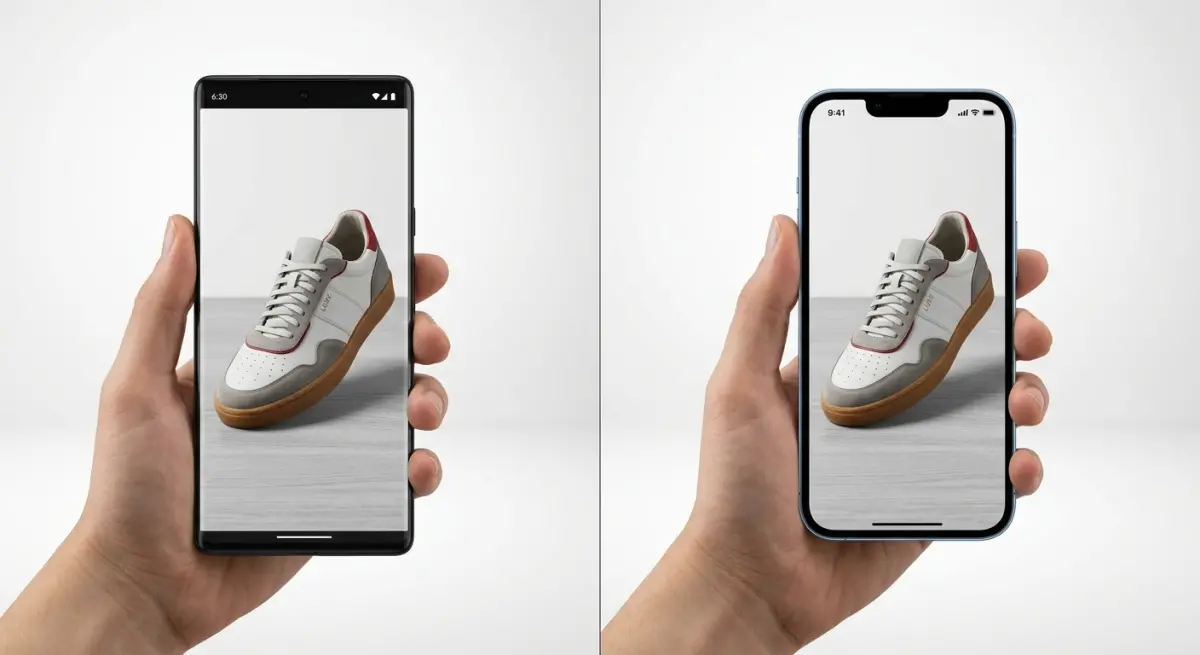
Here’s something we’ve learned after handling dozens of AR projects for furniture brands, consumer electronics companies, and lifestyle product sellers: if you’re serious about AR on your e-commerce site, you don’t pick one format. You deliver both.
The standard approach is to serve the right format based on the user’s device. When someone visits your product page on an iPhone, they get the USDZ file — tap the AR button, Quick Look opens, and the product appears in their room. When someone’s on Android or a desktop browser, they get the GLB file — a 3D viewer loads inline, and the Android AR option uses Google’s Scene Viewer under the hood.
Platforms like Shopify handle this automatically once you upload both files. But even if you’re on a custom platform, the logic isn’t complicated — it’s a basic user-agent check. What is complicated is making sure both files actually look the same. That’s where the real technical work happens.
The Material Consistency Problem Nobody Talks About
This is where a lot of clients run into trouble, and it’s genuinely important. GLTF and USDZ have different material systems under the hood. GLTF uses the metallic-roughness PBR workflow from the Khronos spec. USDZ uses a material model that Apple calls “Physically Based” but maps slightly differently, especially for things like clearcoat, transmission (glass and transparent materials), and subsurface scattering.
What that means in practice: if you convert a GLTF directly to USDZ using an automated tool — which many people do — you can end up with materials that look noticeably different between the two formats. A product that looks warm and rich on Android might look a bit flat or washed out in Apple’s Quick Look, or vice versa. Metallic surfaces are particularly prone to this.
We always do a visual pass on both output files after conversion, checking them on actual devices. Not emulators — real phones. The way a material renders under Quick Look on an iPhone 14 versus how it looks in Chrome on a Samsung device can be quite different, and the fix is often subtle texture adjustments or material parameter tuning rather than a full rework.
If you’re working with a 3D rendering service for your product assets, ask specifically whether they deliver both formats and whether they QA them on device. That question alone will tell you a lot about their AR pipeline.
File Size and Optimization: It’s Not Optional
E-commerce AR lives or dies on load times. A 3D model that takes 15 seconds to load on a mobile connection is a model that customers won’t wait for. Both GLTF and USDZ support mesh compression and texture optimization, but the defaults aren’t always set up for web delivery.
For GLB files, Draco mesh compression is the standard approach — it can reduce geometry file size dramatically without visible quality loss. Texture compression using the KTX2 format with Basis Universal encoding is increasingly common and reduces GPU memory usage significantly. For USDZ, Apple has recommended texture formats and size limits that, if ignored, will cause Quick Look to either slow down or look degraded.
We typically aim for final GLB files under 5MB for most furniture and consumer product models, and USDZ files in a similar range. Complex products with multiple textures can push larger, but anything approaching 15–20MB starts creating real usability problems on mobile. This kind of optimization — polygon reduction, texture atlasing, LOD decisions — is a significant part of what goes into producing professional product 3D models that actually work in production environments.
VR Is a Different Conversation

Most of what we’ve discussed so far is AR — placing a product in the real world via a phone camera. VR is a different deployment context. For WebVR or WebXR experiences running in a browser-based headset viewer, GLTF is the clear standard. It’s supported by A-Frame, Three.js, Babylon.js, and virtually every WebXR framework in active use.
For native VR apps — Oculus/Meta, Valve Index, and similar platforms — the asset pipeline usually goes through USD or proprietary formats like FBX, with GLTF increasingly accepted as an import format. USDZ specifically is not commonly used in VR, even on Apple’s Vision Pro, where the broader USD format (not just USDZ) is the relevant standard.
If you’re building for Apple Vision Pro, that’s a specialized conversation that goes well beyond format selection into spatial design and interaction design. But for the vast majority of e-commerce VR use cases — meaning WebXR product configurators and virtual showrooms — GLTF is what you want.
What Clients Get Wrong Most Often
The most common mistake we see is treating format conversion as a free, consequence-free step. Someone will have high-quality source files — a CAD file, a Blender project, a Cinema 4D scene — and then run them through an automated conversion pipeline to GLTF and USDZ, skip the QA step, and upload them directly to their store. The result is often correct in structure but wrong in appearance: materials that look off, normals that are inverted, scale that’s wrong (a product that appears as a miniature or a giant in AR is a real problem), or mesh errors that only show up on device.
The second most common mistake is optimizing for only one platform. Delivering only GLTF because “most of our customers are on Android” ignores the significant portion on iPhone who won’t get a native AR experience. Delivering only USDZ because the brand is Apple-focused means the web viewer won’t work properly for everyone else.
And the third — thinking this is a one-time asset. Products get updated. Finishes change. New color variants launch. Having a proper 3D asset pipeline means being able to update and re-export both formats efficiently, not starting from scratch every time.
Getting This Right From the Start
Understanding GLTF vs USDZ — the best 3D model formats for e-commerce AR and VR — isn’t just a technical trivia question. It shapes how you brief your 3D team, what deliverables you ask for, and how your product experiences actually land with customers. The format is the last step, but it’s determined by decisions made at the very beginning of the asset creation process: polygon budget, texture resolution, material choices, and intended platforms.
If you’re building out an AR or VR product experience and want assets that work correctly across iOS and Android, with proper material fidelity and optimized file sizes, we’re set up to handle exactly that. Get in touch with our team and we can talk through your specific product type, platform targets, and what the right pipeline looks like for your catalog.
Frequently Asked Questions
What is the difference between GLTF and USDZ for e-commerce augmented reality?
GLTF (GL Transmission Format) is an open-standard format optimized for web-based AR and VR experiences, widely supported across Android devices and browsers, while USDZ is Apple's proprietary format designed specifically for iOS AR Quick Look features. For e-commerce, GLTF offers broader cross-platform compatibility, whereas USDZ delivers a seamless, native AR experience for iPhone and iPad shoppers without requiring a dedicated app.
Which 3D format should I use for my online store's AR product previews?
If your customer base primarily uses iOS devices, USDZ is the best choice because it integrates natively with Safari and iOS AR Quick Look, requiring no additional plugins or apps. However, if you need to support both Android and iOS shoppers, serving both GLTF and USDZ files simultaneously ensures the widest possible device compatibility and the best user experience across your entire audience.
Does GLTF or USDZ have better file size and loading performance for e-commerce product pages?
GLTF, especially in its binary GLB variant, generally offers superior compression and faster loading times compared to USDZ, making it a stronger choice for web performance and Core Web Vitals scores. USDZ files tend to be larger since they use a ZIP-based structure containing USD data and textures, which can slightly impact page load times on mobile e-commerce sites.
Can GLTF files be used on iPhone for AR shopping experiences?
GLTF files are not natively supported by Apple's AR Quick Look on iOS, meaning iPhone users cannot trigger an AR view directly from a GLTF file without a third-party WebAR framework like model-viewer or 8th Wall. For native iOS AR functionality, you must convert your 3D models to USDZ format, which Apple officially supports across Safari, Messages, and the Files app.
How do GLTF and USDZ compare in terms of 3D model quality and material support for product visualization?
Both formats support physically-based rendering (PBR) materials, enabling realistic textures, reflections, and lighting critical for high-quality e-commerce product visualization. USDZ, built on Pixar's Universal Scene Description technology, offers more advanced material and animation capabilities suited for complex product configurations, while GLTF's PBR model is highly standardized and well-supported across virtually all real-time 3D rendering engines and platforms.